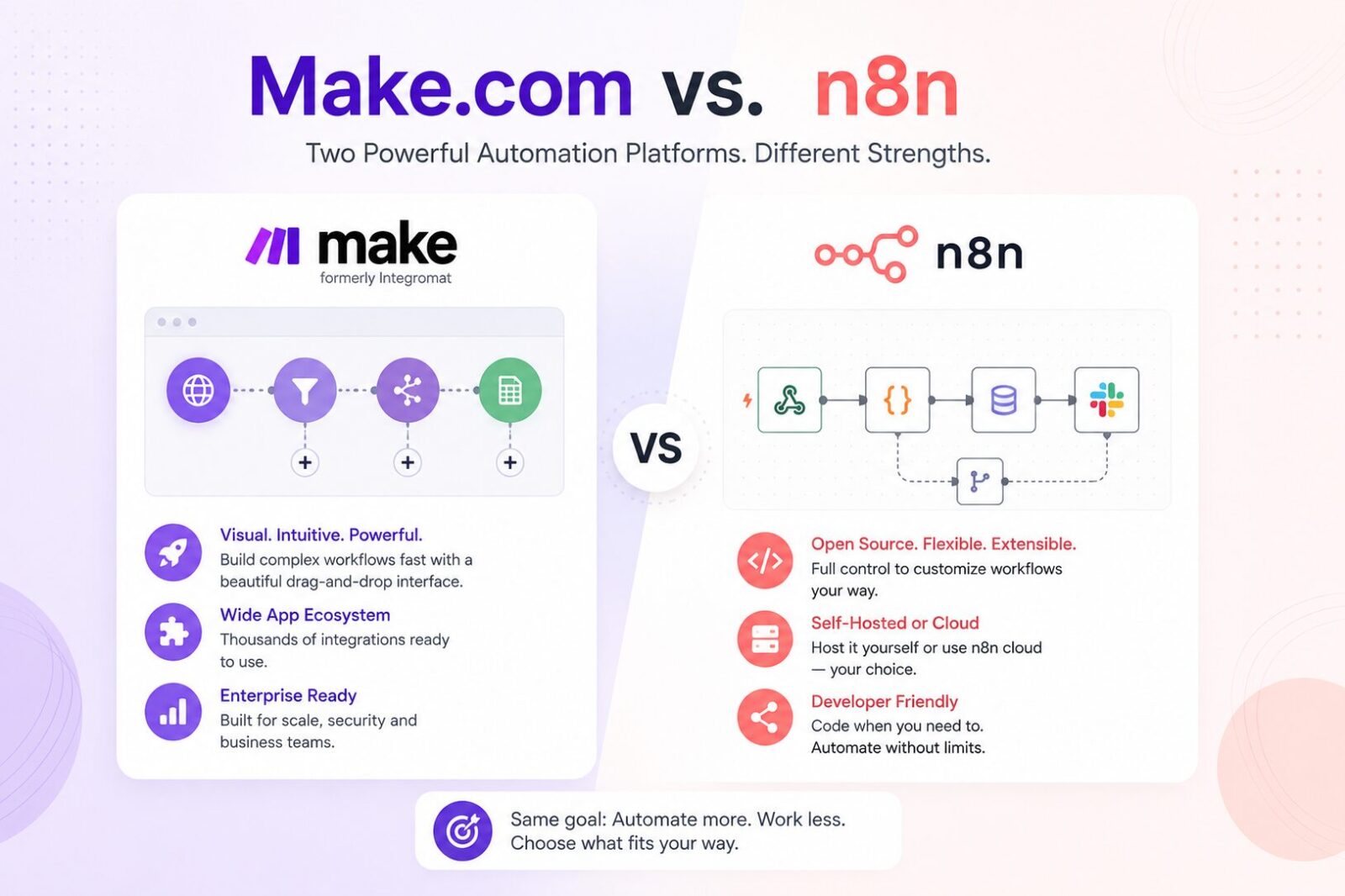
Make.com vs n8n: The Mid-Market Comparison Framework for Operations Managers
Affiliate Disclosure: We review products independently. When you buy through our links, we may earn a commission or a compound recurring commission at zero extra cost to you. Read our editorial policy.
Updated: July 2026. All pricing verified against Make.com and n8n on July 7, 2026.
Quick Verdict: Make.com vs n8n for Mid-Market Operations Teams
| Make.com Pro | n8n Cloud Pro | n8n Self-Hosted Community | |
|---|---|---|---|
| Starting price | $21/mo for 10,000 credits | Use current n8n Pro pricing* | Free software; infrastructure costs separate |
| Billing unit | Credits | Workflow executions | No per-execution n8n fee |
| Workflow complexity billing | Most standard modules consume 1 credit per operation | Execution pricing is based on complete workflow runs | No per-execution n8n fee |
| Active workflows | Unlimited | Unlimited | Unlimited |
| Self-hosting option | No | No | Yes |
| AI agents | Yes | Yes | Yes |
| Custom code | JavaScript/Python via Make Code | JavaScript/Python supported | JavaScript/Python supported |
| Data/infrastructure control | Make-hosted | n8n-hosted | Customer-controlled infrastructure |
| Advanced enterprise features | Higher-tier features available | Plan-dependent | Community Edition differs from paid self-hosted n8n plans |
*Use the live n8n pricing shown on its pricing page rather than hard-coding the article’s existing $50/month, because n8n’s plan structure/pricing has changed.
TSA Verdict: Make.com vs n8n for operations managers is a deployment decision before it is a features decision. Make.com wins for non-technical ops teams needing fast deployment across 3,000+ SaaS apps with zero infrastructure overhead. n8n becomes particularly compelling for teams with technical resources, greater infrastructure-control requirements, or complex workflows where its execution-based cloud pricing or self-hosted Community Edition may offer a cost advantage. The cost difference at scale depends heavily on workflow complexity, execution volume and whether self-hosting is practical.
Make.com vs n8n resolves differently depending on which question you ask first. Ask “which is cheaper?” and the answer depends on your volume and whether your team can run a VPS. Ask “which is faster to deploy?” and Make.com wins by two weeks.
Ask “which is faster to deploy?” and Make.com generally has an advantage for teams that do not want to manage infrastructure. Ask “which handles AI-native workflows better?” and n8n offers a particularly strong set of capabilities for building agentic and developer-oriented AI workflows.
Two platform changes since 2025 affect older Make.com vs n8n comparisons. Make replaced “operations” with “credits” as its billing terminology. For standard non-AI apps, one operation generally equals one credit, while some AI features can consume credits differently depending on the connection and usage. n8n also changed its pricing model in August 2025, removing active-workflow limits from paid plans and introducing unlimited workflows, steps and users, with paid usage primarily measured through workflow executions.
Non-technical agency founders may check out our Relay.app review.
Pricing: The Make.com vs n8n Cost Comparison That Actually Matters
The Billing Unit Difference
This is the most consequential difference in the Make.com vs n8n pricing model and the one most articles explain poorly.
Make.com charges in credits. For most standard non-AI modules, each module action consumes one credit, so workflow complexity directly affects usage. A 5-module scenario in which all five modules execute 2,000 times per month would consume approximately 10,000 credits. Some features, including certain AI and code operations, can consume credits differently.
If you exceed the credits included in your plan, you can purchase extra credits. Make currently prices extra credits at a 25% premium over the per-credit rate of your subscription, so the actual cost depends on the plan and credit allowance you have purchased.
n8n Cloud charges per execution: one execution per complete workflow run, regardless of how many nodes the workflow contains. A 5-node workflow and a 50-node workflow each consume one execution when triggered. A 50-step n8n workflow triggered 2,000 times per month uses 2,000 executions. The same work on Make.com costs 100,000 credits.
For simple 2–3 step scenarios, Make.com and n8n Cloud have similar effective cost per unit of work. For workflows with many executed steps, n8n’s execution-based pricing can become more cost-efficient than Make.com’s credit-based model at the same trigger volume. The actual difference depends on the Make plan, number of modules executed, n8n plan and overall workflow volume.
Cost at Three Mid-Market Volumes
The examples below illustrate how workflow structure affects billable usage. They should not be treated as fixed monthly price quotes because both Make and n8n offer different plan and usage tiers.
Volume 1: 5,000 workflow runs per month, 6-step workflows
- Make.com: If all six modules execute on every run, 5,000 runs would consume approximately 30,000 credits.
- n8n Cloud: The same workload would count as approximately 5,000 workflow executions, regardless of the six workflow steps.
- n8n Self-Hosted Community Edition: n8n does not charge per workflow execution, although the team still bears infrastructure and administration costs.
Volume 2: 15,000 workflow runs per month, 8-step workflows
- Make.com: If all eight modules execute on every run, the workload would consume approximately 120,000 credits.
- n8n Cloud: The workload would count as approximately 15,000 workflow executions.
- n8n Self-Hosted Community Edition: There is no n8n per-execution charge, but infrastructure requirements and costs depend on the workload and deployment.
Volume 3: 50,000 workflow runs per month, 10-step workflows
- Make.com: If all ten modules execute on every run, the workload would consume approximately 500,000 credits.
- n8n Cloud: The workload would count as approximately 50,000 workflow executions.
- n8n Self-Hosted Community Edition: There is no n8n per-execution charge, but infrastructure and operational costs will depend on the resources required to run the workloads reliably.
The takeaway: As workflows become longer, Make’s credit consumption can increase with the number of modules executed, while n8n Cloud’s execution-based model does not charge separately for each workflow step. Self-hosted n8n removes n8n’s per-execution cloud charge but introduces infrastructure, maintenance and operational responsibilities.
The Make.com polling trap:
Make.com polling triggers consume credits each time they check for new data, even when the trigger returns nothing. For example, a polling scenario scheduled every minute would run approximately 43,200 checks in a 30-day month, consuming roughly 43,200 credits for the trigger alone before accounting for downstream actions.
Where an app supports an instant or webhook trigger, using it can substantially reduce unnecessary polling because the scenario runs in response to an event rather than repeatedly checking for new data. Reviewing frequently scheduled polling scenarios is therefore one practical way to reduce Make.com credit consumption.
Deployment Model: The Decision Point Most Ops Managers Miss
This is where Make.com vs n8n diverges most sharply for mid-market operations teams.
Make.com is cloud-only. No self-hosting option exists on any plan. Your workflow logic, credentials, and data pass through Make’s infrastructure. Make holds SOC 2 Type II certification and GDPR compliance. For most mid-market B2B service agencies, this is acceptable. For organizations with strict requirements around infrastructure control, data location or internal security policies, Make’s cloud-only deployment model may require additional security and compliance review.
n8n offers both deployment paths. n8n Cloud is fully managed, while the Community Edition can be self-hosted on your own infrastructure without per-execution n8n fees. n8n also offers a paid self-hosted Business plan that adds features including SSO, Git-based version control, multiple environments and scaling capabilities. Enterprise adds additional governance, compliance and support features.
For an operations manager evaluating Make.com vs n8n, the practical question is whether the team wants to manage infrastructure. If no one is comfortable maintaining a self-hosted application, Make.com or n8n Cloud removes that operational responsibility. If the team has the technical capability to deploy, secure, update and monitor its own infrastructure, n8n Community Edition can remove per-execution software charges and provide greater infrastructure control.
TSA SCAR: n8n Cloud Execution Limits Can Stop Workflow Processing
n8n Cloud plans include monthly workflow execution limits. When an account reaches its execution limit, workflows remain active and triggers continue firing, but new executions fail immediately before any workflow nodes run. These failed executions are not queued for automatic processing after the monthly allowance resets.
This matters for production automations because workflows triggered while the account is over its execution allowance will not simply catch up later. Teams should monitor execution usage and choose a plan with sufficient capacity for expected workflow volume. Depending on the Cloud plan, additional capacity may require upgrading the plan or purchasing additional executions.
Failed executions remain visible in n8n and can be retried manually after execution capacity becomes available.
Integration Breadth: Where Make.com Holds a Structural Advantage
Make.com offers 3,000+ app integrations, giving it broad coverage across mainstream SaaS tools as well as more specialized applications. Its integration directory includes both verified and community apps, and Make also provides HTTP and other universal connectors for services that expose an API.
n8n offers a large library of built-in integrations alongside community nodes that extend support to additional services. Community nodes are built by n8n’s open-source contributor base. They cover tools not in the native catalog but vary in maintenance quality and update frequency. For niche SaaS tools, industry-specific platforms, or regional software not in Make’s library, community nodes fill the gap. For mainstream SaaS stacks (HubSpot, Salesforce, Slack, Google Workspace, Notion, ClickUp, Stripe), both platforms cover ground.
The practical implication for mid-market operations teams: if your agency’s tech stack includes tools in Make’s 3,000-app library, Make.com’s integration advantage is real and measurable in deployment speed. If your stack is mainstream SaaS, the gap is minimal.
if your agency relies heavily on mapping complex UI steps visually, comparing Zapier Canvas vs Make Grid demonstrates how both layout engines process multi-branch pathways
TSA SCAR: n8n Community Node Security Risk
Verified from n8n documentation and security advisories, July 2026.
n8n’s community node library allows third-party developers to publish nodes for tools not in the native catalog. These nodes are not reviewed or maintained by n8n’s core team. A community node can contain outdated dependencies, insecure credential handling, or no active maintainer.
Operations teams using community nodes in production should evaluate them before deployment, particularly when workflows handle sensitive or client data. Review the package’s maintainer activity, dependencies, permissions, reported issues and update history, and avoid installing community packages that cannot be adequately assessed or trusted.
AI Automation: Make.com vs n8n for Agentic Workflows
This is the axis where the Make.com vs n8n comparison has shifted most significantly in 2025–2026.
Make.com AI Agents are available across Make’s plans and are built directly into the visual scenario canvas. Agents can reason over incoming requests, choose from configured tools, and trigger actions across Make’s integration ecosystem. Make also provides Agent Context capabilities and supports persistent-memory patterns using data stores or other external systems. This makes Make AI Agents accessible to operations teams that want agentic automation without moving into a developer-first environment.
n8n AI agents are built on native LangChain integration with purpose-built agent architecture: tool-use routing (the AI decides which action to take based on input data), memory nodes that persist context across workflow runs, RAG support via vector database connections (Pinecone, Qdrant, Supabase pgvector), and the ability to connect local LLMs via Ollama. For operations teams building AI-powered intake workflows, autonomous data enrichment pipelines, or multi-step AI decision systems, n8n’s AI architecture is particularly attractive to technical teams that want granular control over agent workflows, memory, vector stores, model selection and self-hosted AI infrastructure.
For AI automation, the choice increasingly comes down to the type of team and architecture required. Make.com provides a visual, no-code route to building agents that can reason, select tools and act across connected business applications. n8n is particularly compelling for technical teams that want deeper control over AI architecture, self-hosting, local models, vector stores and developer-oriented workflows. For straightforward AI-enhanced business automation, Make may be easier for a non-technical operations team to maintain; for highly customized AI infrastructure, n8n may offer greater flexibility.
Feature Comparison: Mid-Market Operations Manager Use Cases
| Feature | Make.com Pro | n8n Cloud | n8n Self-Hosted Community |
|---|---|---|---|
| Billing model | Credits; most standard module actions use 1 credit | Per workflow execution | No n8n per-execution software fee |
| Self-hosting option | No | No | Yes |
| Infrastructure control | Make-managed cloud | n8n-managed cloud | Customer-controlled |
| AI agents | Native AI Agents with tool selection | Native AI agent workflows | Native AI agent workflows |
| Custom JavaScript/Python | Available through Make Code | Supported | Supported |
| Integration ecosystem | 3,000+ apps | Built-in integrations + community nodes | Built-in integrations + community nodes |
| Git/version-control capabilities | Plan/features differ | Available on eligible n8n plans | Community Edition differs from paid self-hosted plans |
| SSO/SAML | Enterprise-level capability | Plan-dependent | Not a Community Edition equivalent of paid Business features |
| Multiple environments | Plan/features differ | Available on eligible n8n plans | Paid self-hosted editions offer additional environment/governance features |
| Infrastructure maintenance | Managed by Make | Managed by n8n | Managed by your team |
| Usage-limit behaviour | Additional credits/upgrades available; overage protection is plan/configuration dependent | Execution allowance depends on plan | No n8n Cloud execution allowance |
*Make’s current pricing page confirms 3,000+ apps, unlimited users, Make AI features and current credit mechanics. It also shows that governance/observability features vary across plans.
Data Portability: Switching Costs From Make.com and n8n
Make.com: Scenarios can be exported as JSON blueprints and imported into Make. The blueprint captures the scenario’s modules, settings and mapped values, but connections must be configured after import. Make blueprints are designed for transferring scenarios within Make rather than directly importing them into n8n or other automation platforms, so cross-platform migration generally requires rebuilding the workflow.
n8n: Workflows export and import as JSON natively. n8n’s JSON format is portable between n8n instances — migrating from n8n Cloud to self-hosted n8n is a JSON export and import, with only credential reconnection required. Migrating from n8n to Make.com or Zapier requires full rebuild. Self-hosting can reduce infrastructure lock-in because the n8n instance and workflow data run on infrastructure controlled by your team, while workflows can be exported and imported in JSON format.
Buy / Skip Decision Matrix: Make.com vs n8n
| Scenario | Verdict |
|---|---|
| Non-technical ops team, no internal infrastructure support | Make.com |
| Need broad SaaS integration coverage with minimal infrastructure management | Make.com |
| Relatively simple SaaS-to-SaaS automations | Make.com |
| Want accessible AI agents and AI-enhanced workflows in a visual builder | Make.com |
| Technical team comfortable managing self-hosted infrastructure | n8n Self-Hosted |
| Need greater control over hosting and data location | n8n Self-Hosted |
| High-volume, complex workflows where per-step credit consumption becomes expensive | Compare n8n Cloud and Self-Hosted against actual Make credit usage |
| Building developer-oriented AI workflows with local models, vector stores or extensive customization | n8n |
| Need SSO, Git version control and multiple environments on self-hosted n8n | n8n Business |
| Want managed hosting without maintaining infrastructure | Make.com or n8n Cloud |
| Starting with automation and no engineering support | Make.com Free or an entry-level managed plan |
FAQ
Is Make.com or n8n cheaper for mid-market agencies in 2026?
It depends on workflow complexity, execution volume and whether self-hosting is practical. Make.com bills in credits, with most standard module actions consuming one credit, while n8n Cloud primarily bills by complete workflow execution. As workflows become longer and execute more modules, n8n’s execution-based model can become more cost-efficient. Self-hosted n8n Community Edition removes n8n’s per-execution cloud charge, but infrastructure, maintenance and administration still carry costs.
What changed in Make.com pricing in August 2025?
Make.com replaced “operations” with “credits” as its billing unit on August 27, 2025. For standard module runs, the cost is identical: one credit per module execution. The change unified the metering language across standard and AI features. AI-related modules and code execution now consume credits at variable rates. Most guides written before late 2025 still use “operations”; substitute “credits” when reading older documentation.
What changed in n8n pricing in 2025–2026?
n8n changed its paid-plan pricing model in August 2025, removing active-workflow limits and providing unlimited workflows, steps and users on paid plans. Paid usage is primarily measured by workflow executions rather than the number of active workflows.
Can Make.com scenarios be migrated to n8n?
Not automatically. Make.com’s scenario JSON format is proprietary and does not import into n8n. Each workflow requires rebuild. The practical migration path: export Make.com scenario JSON as documentation, rebuild equivalent n8n workflows using the logic as reference, reconnect credentials. n8n workflows export as JSON that re-imports cleanly between n8n instances, making future migrations within the n8n ecosystem frictionless.
Does n8n self-hosting require a dedicated DevOps engineer?
Not necessarily, but self-hosting does require someone who can deploy and maintain the environment. Responsibilities can include container or server management, updates, security, backups, monitoring and troubleshooting. Teams already comfortable with self-hosted applications may find this manageable, while teams without infrastructure experience should factor the additional operational responsibility into the Make.com vs n8n decision.
Which platform is better for AI-powered automation workflows in 2026?
Both platforms now support agentic AI workflows, but they suit different teams. Make.com offers AI Agents within its visual automation environment, including the ability to reason over requests and select tools across connected applications. n8n is particularly attractive to technical teams that want deeper control over AI workflows, local models, vector stores, memory and self-hosted infrastructure.
For operations teams prioritizing accessibility and broad SaaS automation, Make.com may be the easier fit. For developer-oriented AI architectures and greater infrastructure control, n8n may offer more flexibility.
