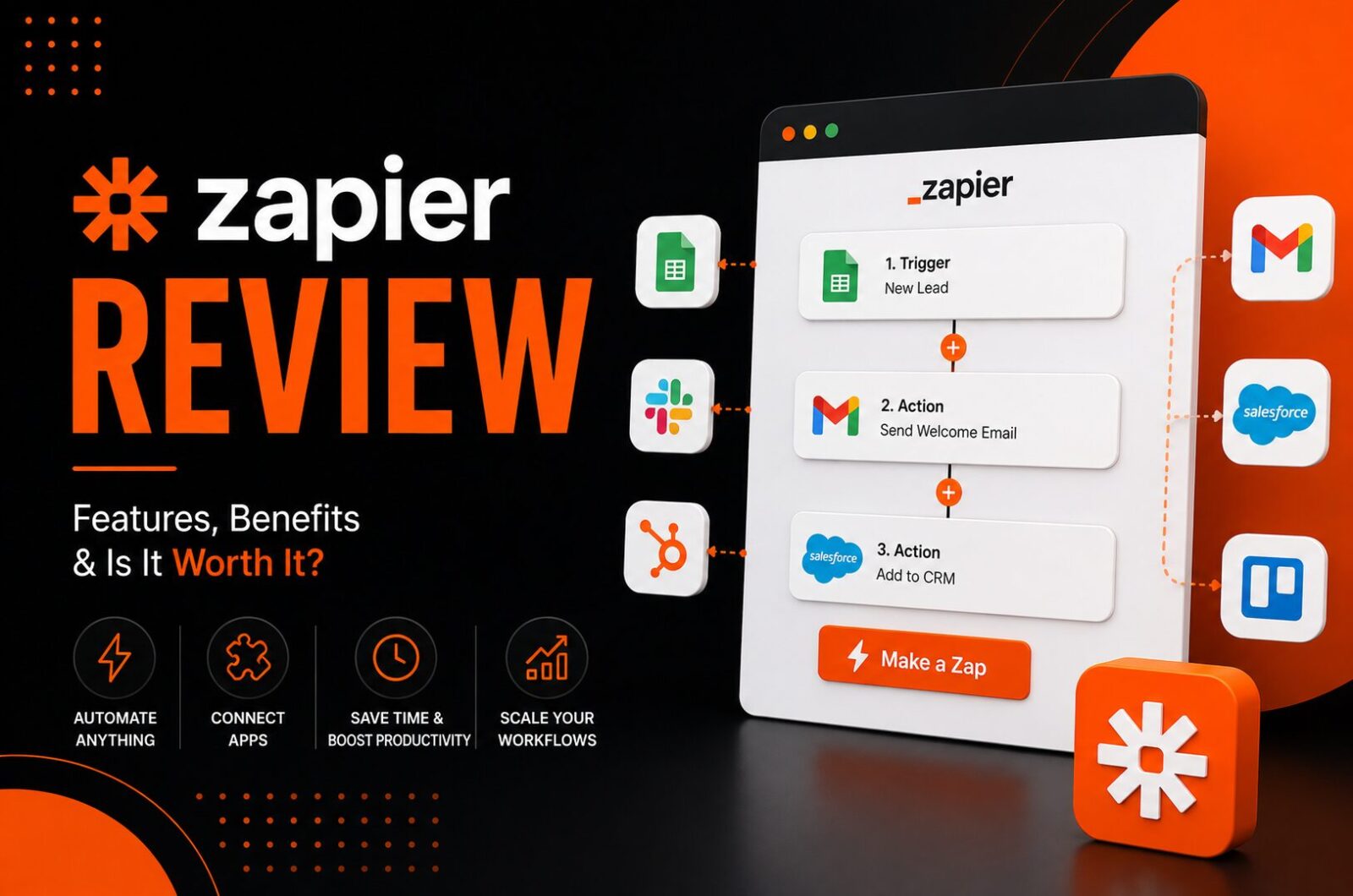
Zapier Review: Is It Worth the Price for US Marketing Agencies?
Affiliate Disclosure: We review products independently. When you buy through our links, we may earn a commission or a compound recurring commission at zero extra cost to you. Read our editorial policy.
Pricing note: Pricing and plan details were checked against Zapier’s published pages on October 26, 2026. Verify them again before publication because plans and usage rules can change.
Marketing agencies rarely work in one system. A new lead may arrive through a form, enter a CRM, trigger a notification in Slack, and create a task in a project management tool. Client onboarding, campaign reporting, and invoice follow-ups can involve similar handoffs across several applications.
Zapier connects these applications through automated workflows called Zaps. It can help agencies reduce repetitive data entry and move information between tools without building every integration from scratch.
But is Zapier worth using when an agency manages multiple clients, workflows, and software subscriptions?
Our assessment: Zapier is a strong option for agencies that prioritize broad app compatibility and a relatively approachable workflow builder. Its main trade-offs are usage-based costs, the limitations of individual integrations, and the work required to maintain complex automations.
It is not automatically the best choice for every agency. Teams with high workflow volumes or intricate data-processing requirements should compare it with alternatives before committing.
Zapier at a Glance
| Category | Assessment |
|---|---|
| Best for | Agencies connecting a varied set of business applications |
| Ease of use | Designed for no-code and low-code workflow creation |
| Integration breadth | More than 9,000 listed app integrations, according to Zapier |
| Workflow design | Trigger-and-action steps with filters, paths, and other built-in tools |
| AI capabilities | AI-assisted workflow building, AI steps, agents, and MCP connections |
| Main drawback | Task consumption can increase as workflows run more frequently |
| Best starting point | Free plan for basic exploration; a paid plan for more advanced workflows |
| Alternatives to compare | Make, n8n, and other tools that fit the agency’s existing stack |
Zapier’s product documentation describes a platform that includes workflows, AI capabilities, Tables, and programmatic access options. Features and limits vary by plan. See Zapier’s product overview.
What Is Zapier?
Zapier is an automation platform that connects applications and carries out actions when defined events occur. Instead of manually transferring information between tools, users create a workflow that responds to a trigger.
For example, a marketing agency could set up a workflow that:
- Detects a new submission in a lead-generation form.
- Creates or updates a contact in its CRM.
- Sends a notification to the appropriate Slack channel.
- Creates a follow-up task in its project management system.
The exact workflow depends on which applications are connected and what actions those integrations support.
Zapier is not a replacement for every application in an agency’s technology stack. It acts as a layer between them, handling routine handoffs and transformations. The source application still owns its records, while Zapier coordinates the configured actions.
Zapier also offers products beyond standard Zaps, including Tables for storing structured data, AI features for supported workflows, and Zapier MCP for connecting compatible AI clients to applications.
Zapier Features That Matter to Marketing Agencies
1. App integrations
Integration breadth is one of Zapier’s main advantages. Its directory lists more than 9,000 apps, allowing businesses to connect a wide range of marketing, sales, customer support, productivity, and operational tools.
For agencies, this matters when different clients use different software. One client might use HubSpot, another Salesforce, and another a smaller platform with fewer native connections.
Before choosing Zapier, check the specific integrations your workflows require. An app appearing in the directory does not guarantee that every desired event or action is available. Some integrations have limited triggers, restricted actions, or different capabilities depending on the connected account.
Review the Zapier app directory and confirm the required trigger and action for each important workflow.
2. Multi-step workflows
A Zap can connect a trigger to one or more actions. Paid plans support multi-step workflows, while the Free plan is limited to two-step Zaps.
This allows an agency to coordinate a sequence of tasks rather than create a separate automation for every handoff.
Consider a client onboarding workflow:
- A signed contract triggers the process.
- The client’s details are added to a CRM.
- A project is created in the agency’s project management tool.
- The account team receives a notification.
- A welcome email is sent through a supported application.
These steps can reduce manual administration, but they still need to be designed carefully. Field mapping, duplicate records, missing data, and changes in connected applications can affect whether the workflow behaves as intended.
3. Filters and conditional paths
Not every incoming record should trigger every action. An agency may want to route qualified leads to sales, send high-value clients to a senior account manager, or create different tasks based on service type.
Zapier offers built-in tools such as Filters and Paths to control workflow behavior. Filters can stop a run when a condition is not met, while Paths allow different actions to follow different conditions.
This is useful when an agency needs more than a simple one-trigger, one-action connection. However, conditional logic can make a workflow harder to understand if too many branches are added to one Zap.
Keep the logic readable, name steps clearly, and document the conditions that determine where records go.
4. AI-assisted workflow creation and AI steps
Zapier offers AI-assisted workflow building and AI functionality within supported workflows. AI steps can be used for tasks such as classifying information, summarizing text, drafting content, or extracting structured fields. The available models and usage rules depend on the feature and plan.
For example, an agency might use an AI step to classify an inbound inquiry by service type before routing it to the appropriate team.
AI output should not be treated as automatically correct. If the result determines a client-facing response, changes a CRM record, or affects a business decision, add appropriate validation or human review.
Task usage also needs attention. Zapier’s published rates distinguish between AI model tiers, and an AI step can consume more than one task per run. Review the current AI by Zapier usage rules before building high-volume AI workflows.
5. Zapier MCP and programmatic access
Zapier MCP connects compatible AI clients to applications through Zapier, allowing supported AI tools to call app actions. Zapier also provides an SDK for programmatic access, currently described in its documentation as being in open beta.
These capabilities may be useful for agencies exploring AI-assisted operations or building developer-supported workflows. They are not necessary for every conventional automation.
If an agency plans to use MCP extensively, it should account for its task consumption. Zapier’s current task-rate documentation lists two tasks per MCP tool call. The SDK’s availability and pricing terms should be checked again before production use.
How Easy Is Zapier to Use?
Zapier is designed to let users create workflows without writing an integration from scratch. Its trigger-and-action model gives teams a relatively direct way to connect applications, map fields, and define what happens next.
Published reviews on platforms such as G2 and Capterra commonly praise its ease of use and the ability to connect applications without custom development. Some reviewers also describe difficulty managing complex workflows, finding the right built-in tools, or justifying the cost as usage grows.
These reviews reflect individual experiences rather than a controlled usability test. They are useful signals, but your experience will depend on the apps you use, the complexity of your workflows, and the technical skills available within your team.
Sources: G2 Zapier reviews and Capterra Zapier reviews.
For a small agency, the practical question is not whether Zapier is completely effortless. It is whether the team can build, understand, troubleshoot, and maintain its own workflows without creating an operational dependency on one person.
Zapier Pricing: What Agencies Should Know
Zapier uses task-based pricing. The Free plan includes 100 tasks per month and supports two-step Zaps. The published Professional starting price is $19.99 per month with annual billing, while the Team plan starts at $69 per month with annual billing. Your actual plan cost depends on the selected task allowance, billing terms, and current plan configuration.
These starting prices are not enough to determine the cost of an agency’s production workflows.
A task is generally counted when an eligible action step completes successfully. Triggers and certain built-in tools do not count in the same way as ordinary action steps. Some functionality, including AI and programmatic access, has its own usage rules.
Before purchasing a plan, estimate:
- How often each workflow will run.
- How many task-consuming steps run per successful event.
- Which workflows use AI, code, or MCP.
- Whether multiple team members need shared access.
- What should happen if the account reaches its task allowance.
For example, a workflow that creates a CRM contact, adds a project task, and sends a notification may consume three tasks for each successful run if all three actions are task-counted. If it runs 400 times in a month, those actions alone could account for 1,200 tasks.
This is an illustrative calculation, not a forecast for every Zap. Actual usage depends on the steps, success rates, and applicable task rules.
Zapier’s paid plans offer pay-per-task billing options that can help eligible accounts continue running workflows after reaching their included allowance. Agencies should understand the settings and potential charges before relying on this as a safeguard.
For a full plan-by-plan breakdown and more usage scenarios, read our separate guide: Zapier Pricing: What Multi-Step Zaps and AI Steps Really Cost at Scale.
The Main Advantages of Zapier
Broad application coverage
Zapier’s extensive app directory can be valuable when an agency works across different client technology stacks. It may reduce the need to maintain custom integrations for every combination of tools.
Accessible workflow building
The trigger-and-action approach is approachable for users who do not write code. That can help operations and marketing staff build routine automations without waiting for a developer to create every connection.
Useful workflow controls
Filters, Paths, scheduling, and other built-in tools provide more control than a basic one-to-one app connection. They can support lead routing, internal notifications, data handoffs, and other repeatable processes.
AI and programmatic options
AI-assisted building, AI steps, MCP, and developer tools extend the platform beyond traditional app-to-app automation. Teams can adopt these capabilities when there is a clear use case, without assuming that every workflow needs AI.
Documentation and user community
Zapier maintains a Help Center and publishes product documentation. These resources can help teams understand configuration, task usage, and troubleshooting steps.
The Main Disadvantages of Zapier
Usage costs can grow
The most important limitation for many agencies is not the starting subscription price. It is how the bill changes with volume and workflow design.
An agency that runs a few hundred simple automations a month may have a different cost profile from one processing thousands of events across many client accounts. AI steps and other features can add further complexity to the estimate.
Model expected usage before committing to a plan, then review actual task consumption regularly.
Integration depth varies
A large app directory does not mean every integration supports every operation. An agency may find that a required event is unavailable or that an action exposes fewer fields than expected.
Verify critical workflows before migrating an entire process to Zapier. If a required operation is missing, check whether a supported webhook, API request, or alternative integration can fill the gap without creating an unmanageable workflow.
Complex workflows need maintenance
As Zaps grow, it can become harder to follow their logic and identify the source of a failure. Conditional branches, data transformations, and multiple connected applications introduce more points to check.
Use clear naming, avoid unnecessary branching, and assign an owner to important automations. Test changes before relying on them in a live client workflow.
Connected apps can still fail
Zapier coordinates the configured workflow, but it cannot eliminate every issue in the systems it connects. API changes, expired permissions, application outages, rate limits, and unexpected input data can interrupt a process.
Review run history and error notifications. For important workflows, document recovery steps and decide which failures require a person to intervene.
Automation does not remove the need for governance
A workflow may have permission to read or change information in connected accounts. Agencies should review those permissions carefully, especially when client records or sensitive business data are involved.
Use the least access necessary, review who can manage connections, and avoid sending confidential information to AI features without understanding the applicable data handling terms.
Zapier publishes details about its security and compliance controls in its security and compliance overview. Agencies should assess those details against their own contractual and regulatory obligations.
Is Zapier a Good Fit for Your Agency?
Zapier is most useful when the agency’s main requirement is to connect applications reliably enough for everyday operations, with a workflow builder that non-developers can understand.
| Agency situation | Our recommendation |
|---|---|
| You use many different client applications | Evaluate Zapier’s integration directory against your exact requirements |
| Your team needs straightforward lead routing and notifications | Zapier is a reasonable option to test |
| You want non-technical staff to maintain routine workflows | Zapier’s visual workflow model may be a good fit |
| You run high-volume, multi-step workflows | Calculate task usage and compare alternatives before choosing a plan |
| You need highly customized data processing | Check whether Zapier’s supported tools are sufficient or whether a code-first approach is more suitable |
| Your workflow handles sensitive client information | Review access permissions, data handling, and security requirements before deployment |
| Your workflows are business-critical | Design monitoring, error handling, ownership, and recovery procedures before launch |
These are decision guidelines, not guarantees of performance or savings. The right choice depends on the applications, workflow volume, technical constraints, and service requirements of each agency.
Zapier vs. Make and n8n
Zapier is not the only option for app automation. Make and n8n are worth considering, but the comparison should be based on the workflow requirements rather than the number of integrations alone.
Choose Zapier for consideration when broad app coverage and an approachable workflow-building experience are priorities, especially when clients use a wide variety of SaaS tools.
Consider Make when you want a visual environment for designing more involved workflows and data transformations. Compare its operations or credit model with Zapier’s task model using the same representative workflow.
Consider n8n when your team wants more control over workflow logic and is prepared to take responsibility for additional technical setup and maintenance where applicable. Hosting, security, monitoring, and upgrades need to be included in that decision.
No option is automatically cheaper or easier in every case. Rebuild one representative workflow in each platform, estimate its recurring usage, and account for maintenance before making a platform-wide decision.
For a more detailed comparison, read Best Zapier Alternatives in 2026: Make, n8n, and Relay.app Compared.
How to Evaluate Zapier Before Rolling It Out
A short, structured evaluation can reveal more than a generic feature comparison.
Step 1: Select one real workflow
Choose a recurring process, such as routing inbound leads or creating a client project after a contract is signed. Avoid starting with the most complicated workflow in your business.
Step 2: Confirm every required app action
Check the available trigger, action, and fields for each application. Confirm that the integration supports the actual event and data you need.
Step 3: Build a representative version
Create the workflow with realistic sample data. Include the filters, field mapping, and conditions that would be used in production.
Step 4: Test normal and failure scenarios
Check what happens when a required field is blank, a record already exists, a connected account loses authorization, or an action fails. Confirm how the workflow can be diagnosed and recovered.
Step 5: Estimate monthly usage
Use expected workflow volume and task-counted steps to calculate a baseline. Include any relevant AI or MCP usage, then compare the estimate with the current plan allowance and billing terms.
Step 6: Assign ownership
Decide who will receive failure notifications, review run history, update the workflow when applications change, and approve changes that affect client data.
Step 7: Review after launch
Compare actual task consumption and error patterns with your estimate. A workflow that behaves well at low volume may need a different design or plan as usage grows.
Final Verdict: Is Zapier Worth It?
Zapier is worth considering for US marketing agencies that value broad application coverage and a workflow builder accessible to non-developers. It can reduce repetitive handoffs between tools and give teams a practical way to automate routine operations.
Its value depends on more than ease of setup. Agencies need to understand task consumption, verify integration depth, maintain workflow logic, and plan for errors. High-volume or highly customized workflows deserve a comparison with Make, n8n, or other appropriate options.
Our recommendation is to start with one representative workflow and evaluate its behavior, maintenance needs, and expected cost. Expand only after confirming that the automation solves a real operational problem and can be supported by the team.
Zapier is a useful tool, not a substitute for workflow design or operational oversight.
Frequently Asked Questions
Is Zapier good for marketing agencies?
It can be a good fit for agencies that need to connect multiple business applications and automate repeatable handoffs, such as lead routing, notifications, and client onboarding. Suitability depends on the integrations and usage levels involved.
Does Zapier require coding?
Many common workflows can be built without writing code. More specialized requirements may call for webhooks, API requests, code steps, or developer support.
Is Zapier free?
Zapier offers a Free plan with 100 tasks per month and two-step Zaps, subject to its current plan rules. Agencies should check whether those limits cover the intended workflow before using it for ongoing operations.
Why can Zapier become expensive?
Costs can rise when workflows run frequently, use multiple task-counted actions, or rely on features with additional usage rules. Estimate the number of successful action steps and review current task rates before selecting a plan.
Is Zapier better than Make?
Neither is universally better. Zapier may suit teams prioritizing app coverage and approachable workflow creation. Make may suit teams that prefer its visual workflow design and data-handling approach. Compare both using the same real workflow and current pricing.
Is Zapier secure enough for client data?
Security suitability depends on the data involved, the connected accounts, the permissions granted, and the agency’s contractual requirements. Review Zapier’s published security documentation and conduct the necessary internal assessment before connecting sensitive information.