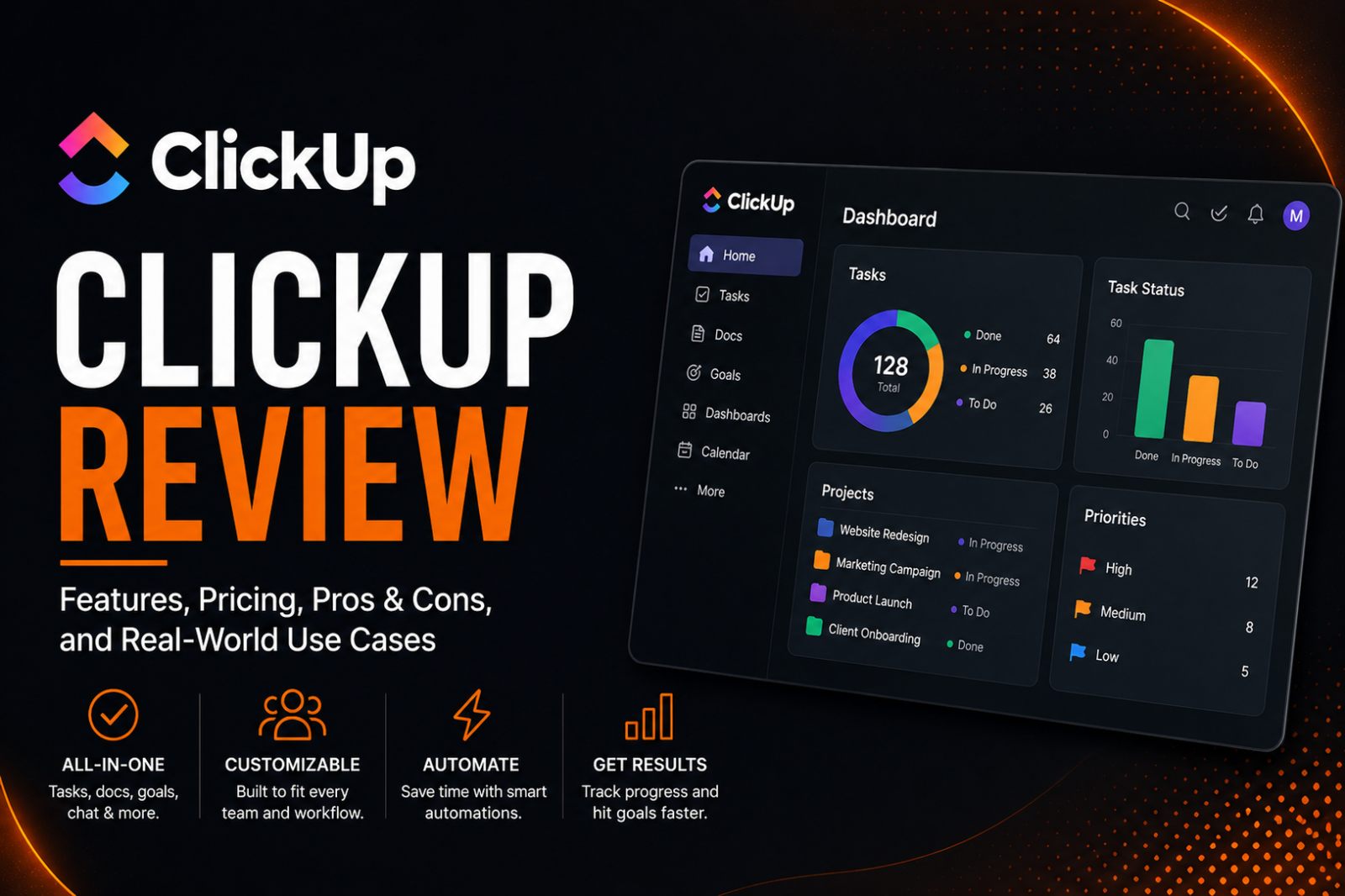
ClickUp Review: The Honest Assessment for US Marketing Agencies Running Client Delivery
Affiliate Disclosure: We review products independently. When you buy through our links, we may earn a commission or a compound recurring commission at zero extra cost to you. Read our editorial policy.
Updated: September 2026
If you run a US marketing agency and are evaluating ClickUp for client delivery, this ClickUp review is built around one question: Can ClickUp handle multiple clients, recurring workflows and deadlines without becoming another system your team has to manage?
We look at where ClickUp works well for agency operations, where its flexibility creates unnecessary complexity, and which teams are most likely to get value from it.
What ClickUp Actually Is
This ClickUp review starts with the basics: ClickUp positions itself as an all in one productivity platform. For an agency, that means tasks, docs, chat, goals, and dashboards live in a single workspace instead of five disconnected tools. The pitch is consolidation. The reality, based on our testing, is that ClickUp delivers real consolidation value but at a real complexity cost that agencies underestimate during trial signup.
The platform offers considerable configuration depth. Spaces, Folders, Lists and views can each play a different role in the Workspace hierarchy, which becomes powerful once an agency understands the structure but can create a steeper initial learning curve than simpler project-management tools.
Spaces, folders, lists, and views can each carry their own settings, which is powerful once an agency understands the hierarchy but genuinely confusing for the first few weeks. Agencies coming from a simpler tool tend to over build their workspace early, creating a structure that becomes difficult to unwind once client data is already living inside it.
Our recommendation is to start with a standardized structure and expand only after the first full client cycle proves that it works.
Setting Up ClickUp for Client Delivery
Most ClickUp reviews focus on features and pricing, but agencies should also consider the setup effort required to turn the platform into a consistent client-delivery system.
A typical agency setup may include standardized client Spaces or Folders, onboarding templates, Custom Fields for information such as retainer hours and contract dates, dashboards, permissions and Automations for recurring processes.
ClickUp’s flexibility is useful here, but it also creates more decisions upfront. Agencies that configure every new client differently can quickly end up with inconsistent structures that make reporting, handoffs and team onboarding harder as the account base grows.
TSA Recommendation: Start with one standardized client-delivery template and test it through a complete client cycle before expanding the structure across the Workspace. The goal should be consistency first, customization second.
ClickUp Pricing for Agencies (2026)
This ClickUp review uses only current, verified pricing pulled directly from ClickUp‘s own pricing page.
| Plan | Price Per User/Month* | Best For |
|---|---|---|
| Free Forever | $0 | Testing and very small-scale use |
| Unlimited | $7 | Small teams needing core project management |
| Business | $12 | Agencies needing advanced dashboards and heavier automation |
| Enterprise | Custom | Larger organisations needing advanced security, governance and scale |
At 10 seats on the Business plan, an agency pays approximately $1,440 per year before optional add-ons. At 25 seats, that rises to approximately $3,600 per year. Business becomes more relevant for agencies that need advanced dashboards, webhooks and automation integrations, and a substantially higher automation allowance than the Unlimited plan.
Pricing note: ClickUp is currently rolling out a new plan structure to some Workspaces, with AI increasingly bundled into plan pricing. Existing customers retain their current plans and pricing, while available upgrade options may differ between Workspaces. The prices above reflect ClickUp’s currently published standard Free Forever, Unlimited, Business and Enterprise plans.
TSA SCAR: Monitor Automation Usage on Client Workflows
ClickUp Business allows unlimited active Automations but includes 5,000 Automation Actions per month. These are different limits: an agency can create and keep many automations active, but the actions those automations execute still count against the monthly allowance.
Once a Workspace exceeds its monthly action allowance, ClickUp pauses its Automations for the remainder of that monthly usage period.
For agencies automating client onboarding, task assignments, status changes and integrations, action consumption can therefore become an operational consideration as workflow volume increases.
ClickUp provides automation usage and activity controls that teams can use to monitor consumption and troubleshoot automation behaviour.
TSA Recommendation: Monitor Automation Action usage regularly and leave sufficient headroom below the monthly allowance. Business-critical client workflows should be reviewed periodically rather than assuming that every active Automation will continue running regardless of usage.
Where ClickUp Wins for Client Delivery
ClickUp’s biggest advantage for agencies is configuration depth. Custom Fields allow teams to track agency-specific information such as retainer hours, contract dates, campaign types and client status alongside normal project data.
Business also unlocks unlimited Dashboards with advanced cards, giving agencies more flexibility to build operational reporting around their client-delivery workflows.
Guest access is another useful feature for agencies. External clients can be given access only to specific shared locations rather than the entire Workspace, allowing teams to create client-visible areas while keeping internal work separate.
The trade-off is that these capabilities require thoughtful setup. ClickUp becomes more valuable as an agency standardises its workspace architecture, but that same flexibility can create unnecessary complexity when every team or client is configured differently.
Where ClickUp Breaks Down
Client access becomes more complicated when guests need more than view-only permissions.
View-only guests on paid ClickUp plans are free, which works well when clients simply need visibility into project progress.
The pricing becomes more important when clients need comment, edit or full-edit permissions. These users become permission-controlled guests, and ClickUp limits how many are included based on the number of paid members in the Workspace.
On Business, a one-member Workspace starts with 10 permission-controlled guest seats, with five additional guest seats added for each additional member. If the Workspace exceeds its included permission-controlled guest allowance, ClickUp adds a paid member seat.
For agencies, the important question is therefore not simply “How many clients need access?” but “What level of access does each client actually need?” Agencies using ClickUp primarily for client visibility can keep costs controlled with view-only guests, while highly collaborative client workflows require closer modelling of guest permissions.
Who Should Not Use ClickUp
ClickUp is not automatically the best choice simply because it offers more configuration options.
Small agencies with straightforward workflows may find the platform more complex than necessary. If the team’s primary requirement is assigning tasks, tracking deadlines and coordinating relatively simple client work, a more opinionated project-management tool such as Asana may require less configuration.
Agencies without a clear owner for workspace architecture should also be cautious. ClickUp’s flexibility works best when someone takes responsibility for templates, statuses, Custom Fields, permissions and Automations. Without that governance, different teams can build different structures for essentially the same type of work.
Teams already heavily invested in another knowledge-management platform should evaluate migration separately from project management. Moving documentation into ClickUp is possible, but not every element from another platform will necessarily map perfectly into ClickUp’s structure.
Finally, agencies with frequent employee onboarding should consider the training requirement created by a highly customized Workspace. The more bespoke your ClickUp setup becomes, the more internal knowledge new employees need before they can use it confidently.
Do check out our list of best ClickUp alternatives for marketing agencies drowning in feature bloat.
ClickUp vs Asana vs Monday: Quick Buy or Skip Matrix
| Scenario | TSA Verdict |
|---|---|
| Small agency needing simple task tracking | Compare ClickUp Unlimited with Asana Starter — flexibility vs simplicity |
| Agency needing deep Custom Fields and configurable workflows | ClickUp is a strong fit |
| Agency using Automations heavily | Business is the more relevant ClickUp tier; monitor the 5,000 monthly Automation Action allowance |
| Agency with many clients needing view-only access | Good fit — view-only guests are free on paid plans |
| Agency with many clients needing comment/edit access | Model permission-controlled guest allowances before buying |
| Agency prioritising minimal configuration and faster onboarding | Compare Asana alongside ClickUp |
| Agency heavily invested in Notion for documentation | Test the Notion importer first — some content and formatting will not transfer directly |
| Agency needing client-facing Dashboards | Good fit with proper permissions — clients must be invited into the Workspace to access shared Dashboards |
Frequently Asked Questions
Is ClickUp good for marketing agencies specifically?
Yes, particularly for agencies that need Custom Fields, dashboards, Automations and flexible client-delivery structures. The trade-off is configuration complexity. Agencies should standardize their Workspace structure before rolling ClickUp out broadly rather than allowing each client account to evolve independently.
How much does ClickUp cost for a 10 person agency?
On the Business plan at $12 per seat per month, a 10 person agency pays approximately $1,440 per year, not including any add on features or Enterprise upgrades.
Does ClickUp integrate with Stripe for client billing?
ClickUp does not currently list Stripe as a native integration. Agencies that want to connect Stripe billing events with ClickUp workflows can use a third-party automation platform such as Zapier or Make.com, or build a custom integration using the ClickUp API.
Is ClickUp better than Asana for client delivery?
For agencies needing deep customization and per client dashboards, ClickUp generally wins. For agencies prioritizing simplicity and fast onboarding, Asana tends to perform better in practice.
Can clients see ClickUp workspaces directly?
Yes. Clients can be invited as guests and given access only to specific shared locations and items rather than the entire Workspace. On paid plans, view-only guests are free, while guests requiring comment or edit permissions are subject to ClickUp’s permission-controlled guest rules. Clients can also receive view-only access to Dashboards when the relevant Dashboard and underlying data locations have been shared with them.
What is the biggest risk of using ClickUp for agency client delivery?
The biggest operational risk is configuration complexity. As an agency adds clients, Custom Fields, Automations, permissions and reporting layers, an inconsistent Workspace structure can become harder to maintain. Agencies should standardize client templates, monitor Automation activity and periodically review permissions rather than allowing each client setup to evolve independently.
How long does it take to properly set up ClickUp for an agency?
There is no universal setup time because it depends on the number of clients, workflow complexity, Custom Fields, Automations, dashboards and permissions an agency needs. A simple task-management setup can be relatively quick, while a standardized client-delivery system requires more planning and configuration. Agencies should test their structure with one representative client workflow before rolling it out across every account.
Final Verdict
ClickUp can be a strong fit for marketing agencies that need deep customization and are willing to invest time in configuration. Its combination of Custom Fields, Automations, dashboards and granular client access gives agencies considerable flexibility to build their delivery workflows around the way they actually operate.
The trade-off is complexity. Team size alone should not determine the decision. Workflow complexity, automation volume, client-access requirements and the level of customization required are more important considerations.
For agencies with straightforward workflows and a strong preference for simplicity, ClickUp may be more platform than they need. For teams prepared to standardize their Workspace and actively manage its structure, the additional flexibility can be worth it.
