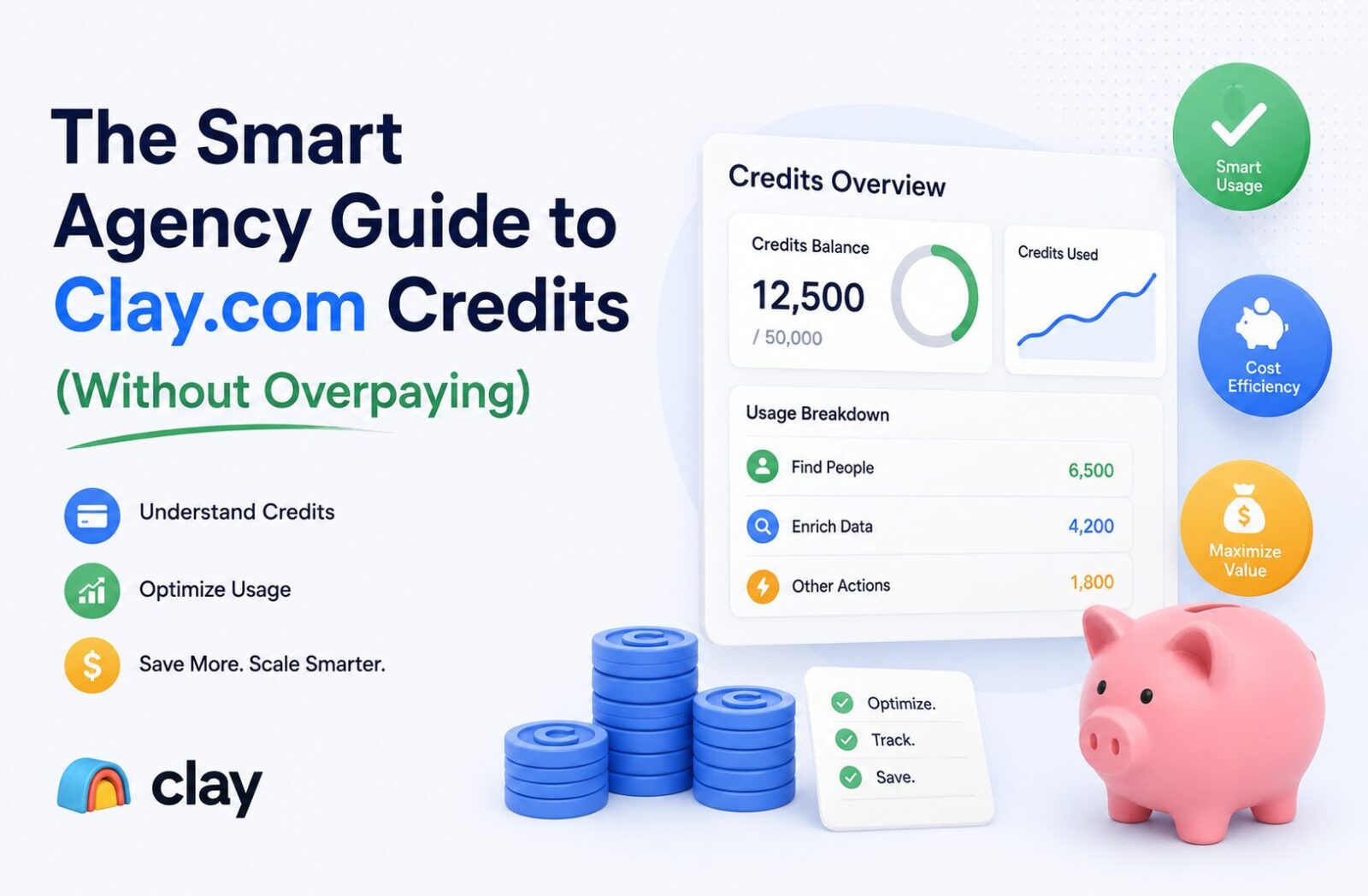
Is Clay.com Too Expensive? Hidden Credit Traps & Cost Fixes
Affiliate Disclosure: We review products independently. When you buy through our links, we may earn a commission or a compound recurring commission at zero extra cost to you. Read our editorial policy.
Updated: June 2026. All pricing verified via Clay.com on June 15, 2026.
TSA evaluates business software using a combination of product evaluation, vendor documentation, current pricing data, user feedback and scenario-based cost modelling. Sources and verification dates are noted where relevant.
Quick Verdict: Clay.com Pricing vs Apollo vs ZoomInfo
| Plan | Monthly | Annual/Mo | Data Credits | Actions/Mo | Best For |
| Clay Free | $0 | $0 | 100 | 500 | Testing only |
| Clay Launch | $185 | $167 | 2,500 | 15,000 | < 1,000 records/mo |
| Clay Growth | $495 | $446 | 6,000 | 40,000 | 1,000–10,000 records/mo |
| Clay Enterprise | Custom | Custom | 100,000+ | 200,000+ | 10,000+ records/mo |
| Apollo Basic | $49/user | $49/user | 2,500/user/mo | Unlimited | Simple single-source DB |
| Apollo Professional | $79/user | $79/user | 10,000/user/mo | Unlimited | US-focused outbound teams |
| ZoomInfo (entry) | ~$1,250+/mo | Custom | Database access | N/A | Enterprise intent + phone |
TSA Verdict: Clay.com pricing is not expensive relative to what it does. It is expensive relative to what most agencies actually use it for. A 3-person RevOps team enriching 500 contacts per month does not need Clay Launch at $185/month. They need Apollo Basic at $49/user and a spreadsheet. Clay’s unit economics make sense when multi-source waterfall enrichment, conditional workflow automation, and AI personalization are all running simultaneously. Get the architecture right before the subscription.
Clay.com pricing looks straightforward on the pricing page: two self-serve tiers, Launch at $185/month and Growth at $495/month, with unlimited user seats and credits that roll over. The sticker price is not where most agencies get hurt.
They get hurt by running a 10-step waterfall enrichment workflow on 500 raw contacts, pulling from 4 providers per row, with AI personalization lines on every record — and watching 2,500 Data Credits vanish in 48 hours. Clay.com pricing is variable by design. Every enrichment attempt against every provider consumes Data Credits, whether or not data is returned. A single fully enriched record, which includes email, phone, company, LinkedIn profile, and one Claygent AI research step, burns 6 to 20 Data Credits depending on provider mix and AI model selection.
March 2026 changed the Clay.com pricing picture significantly. Clay retired the Starter ($149/mo), Explorer ($349/mo), and Pro ($800/mo) tiers and replaced them with Launch and Growth. Enrichment costs dropped 50–90% across the marketplace. Failed lookups no longer consume credits. Top-up pricing dropped from 50% to 30% over the plan rate. These changes made Clay.com pricing materially more predictable — but the credit math still surprises agencies who skip the architecture step. This article shows what that architecture looks like.
Decoding Clay.com Pricing: The Two-Currency System
Since March 2026, Clay.com pricing runs on two separate credit types. Understand the distinction before running your first table.
Data Credits: The Expensive Currency
Data Credits are purchased when Clay queries a data provider in its 150+ vendor marketplace on your behalf. Every provider lookup costs a different number of credits. A basic email lookup from a tier-1 provider: 2–3 credits. A 3-provider waterfall sequence: 4–8 credits. A phone number enrichment: 5–10 credits. A Claygent AI research step: 15–30 credits depending on the model and prompt complexity.
Clay Launch ships 2,500 Data Credits per month. A fully enriched contact, including email + company data + phone + one AI research field, burns 10–20 credits. At 15 credits average, Launch covers 166 fully enriched contacts per month. That is the number agencies consistently underestimate when choosing their plan tier against their actual pipeline volume.
Data Credits roll over monthly on paid plans, up to a 2x cap. A 2,500-credit Launch plan banks up to 5,000 total. Annual plans roll over 15% of unused credits on renewal — only if you renew at the same or higher tier.
Clay isn’t the only platform shifting the financial goalposts with usage-based metrics. Make.com’s recent transition from traditional ‘Operations’ to ‘Credits’ means your entire background engine needs to be built with budget efficiency in mind. If you are still running legacy automations, check out our deep-dive analysis on how the new Make.com pricing updates impact your monthly billing bottom line.
Actions: The Background Meter (Usually Invisible)
Actions measure Clay’s platform orchestration work: routing requests, running workflow steps, calling AI models, pushing data to your CRM, running API calls. Each enrichment or execution step = 1 Action. Clay’s own documentation states 90% of customers never hit their Action limit. Actions reset monthly and do not roll over.
The exception: agencies running very high workflow step counts — 10+ enrichment columns on 5,000+ rows simultaneously — can approach the 15,000 Action ceiling on Launch. At that volume, Growth at $495/month with 40,000 Actions is the correct tier. Actions are a background constraint, not a daily cost management concern for most teams.
| ⚠ TSA SCAR — Clay.com Pricing: The Claygent Credit Depletion Trap Verified failure pattern from user-reported data and community documentation, June 2026. Claygent — Clay’s built-in AI research agent — costs 15–30 Data Credits per row depending on model and prompt complexity. Agencies treating Claygent as a standard enrichment step and running it on full prospect lists have documented burning $2,000–3,000 in Data Credits in a single workflow run on the Launch or Growth plan. One documented case: a GTM engineer ran a 500-row table with a Claygent step researching recent funding news and tech stack per company at 25 credits/row = 12,500 credits in one run — 5x the monthly Launch allocation. Run Claygent only on pre-filtered, high-priority rows. Never run it on raw imported lists. Set the auto-run toggle OFF before importing any dataset into a table with AI columns active. |
Clay.com Pricing at Real Agency Enrichment Volumes
Clay’s published credit allocations describe plan capacity, not output volume. The actual number of enriched contacts depends entirely on workflow depth. These are verified cost models based on documented usage patterns, June 2026.
Volume Scenario 1: 500 Records/Month, 3-Step Waterfall
Workflow: LinkedIn profile lookup → email verification (2-provider waterfall) → company data pull. Average credit burn: 6–8 credits per record.
500 records × 7 credits average = 3,500 Data Credits. This exceeds Launch’s 2,500-credit allocation by 1,000 credits. Top-up cost at 30% premium: ~40 additional credits cost you the equivalent of the plan-rate overage. Either trim the waterfall to 2 steps, reduce monthly volume to 350 records, or move to Growth.
Cost on Launch (annual): $167/month. Cost at 500 records: requires credit top-up or workflow optimization. The correct tier for consistent 500-record/month 3-step workflows is Growth at $446/month annual — or reduce to a 2-step waterfall and stay on Launch.
Volume Scenario 2: 2,000 Records/Month, 4-Step Waterfall + AI
Workflow: email (2-provider waterfall) → phone enrichment → company firmographics → Claygent one-line personalization. Average credit burn: 18–22 credits per record.
2,000 records × 20 credits average = 40,000 Data Credits. This is 6.7× Growth plan’s 6,000-credit allocation.
Enterprise pricing: Clay does not publish a standard price for its Enterprise plan. Pricing is customized based on usage and organizational requirements, so businesses considering Enterprise should request a quote directly from Clay rather than relying on a fixed monthly estimate.
Before escalating to Enterprise on Clay.com pricing, audit whether every enrichment step is necessary. Phone enrichment alone costs 5–10 credits per record. If only 30% of your outbound sequences use phone calls, enrich phone data only on that segment.
Volume Scenario 3: 5,000 Records/Month, 2-Step Waterfall Only
Workflow: email verification (1 provider) → company data (1 provider). Average credit burn: 4–5 credits per record.
5,000 records × 4.5 credits average = 22,500 Data Credits. Still above Growth’s 6,000-credit allocation. But this is the scenario where the architecture fix matters most: pre-filter the 5,000 records before they enter Clay. If 60% of raw records are non-ICP, filter to 2,000 ICP-qualified contacts first. 2,000 × 4.5 = 9,000 credits — still above Growth, but close enough that supplementing with own API keys for one provider (which bypasses Data Credit charges) brings it inside Growth’s allocation.
The Architecture Fix: How Agencies Build Smart Data Waterfalls
Clay.com pricing rewards operational discipline. Teams that send raw data directly into full enrichment workflows pay 3–5x more per enriched contact than teams that gate and filter before each expensive step. The following three-layer architecture is how RevOps teams and agencies reduce Clay.com pricing exposure without reducing output quality.
Layer 1: Pre-Filter Outside Clay
Never route raw inbound data directly into a Clay table with active enrichment columns. Raw webform leads, event lists, CSV imports from ad platforms, and LinkedIn export files contain spam domains, personal email addresses, and non-ICP records that will consume Data Credits on lookups that return nothing useful.
Pre-filter protocol before any record enters Clay:
Step 1 — Domain validation: Strip personal email domains (gmail.com, yahoo.com, hotmail.com) and known spam domains using a free or low-cost email validation tool (NeverBounce, ZeroBounce, or Apollo’s free plan for basic syntax checks). This costs fractions of a cent per record versus 2–8 Clay Data Credits.
Step 2 — ICP qualification: Run a basic company size and industry filter before enrichment. If your ICP is B2B companies with 20–200 employees in SaaS, any record where the domain resolves to a 5-employee agency or a consumer brand is not worth enriching. Run this check using Clearbit’s free enrichment tier or Apollo’s free plan before the record hits Clay.
Step 3 — Deduplication: Check against your CRM before enriching. A contact already in HubSpot or Salesforce does not need Clay enrichment — you have the data. Growth plan’s CRM auto-sync handles this automatically. Launch plan users must run a manual deduplication step in Clay using a formula column checking against an exported CRM contact list.
The Clay pre-filter fix is documented as part of the broader TSA automation stack audit framework.
| ⚠ TSA SCAR — The Double-Enrichment Trap on Launch Plan Documented failure pattern from agency implementations, June 2026. Clay Launch plan does not include native CRM sync — that feature requires Growth at $495/month. Agencies on Launch without a manual deduplication step have documented enriching the same contact 3–4 times across separate workflow runs as new data imports create duplicate rows. At 10 credits per contact, 500 duplicate enrichment events = 5,000 wasted Data Credits — double the monthly Launch allocation in waste alone. Fix: export your full CRM contact list as a CSV and use a Clay formula column to flag existing contacts before any enrichment columns run. Flag = skip enrichment. This is a 30-minute setup that eliminates the most common Clay.com pricing blowout on the Launch plan. |
Layer 2: Build Conditional Waterfall Logic
The core principle of a smart data waterfall: never query Provider B if Provider A already returned a valid result. Running both providers simultaneously doubles the credit cost for every record where Provider A succeeds — which is typically 60–80% of a clean list.
Conditional waterfall structure in Clay:
Step 1 — Primary provider lookup: Run Provider A (e.g., Apollo for US email). Cost: 2–3 Data Credits per attempt.
Step 2 — Conditional check: IF [Provider A email column] is not empty → skip to Step 4. IF empty → proceed to Step 3.
Step 3 — Fallback provider lookup: Run Provider B (e.g., Hunter.io) only on rows where Provider A returned no result. Cost: 2–3 Data Credits, applied only to the ~30% of records that needed a fallback.
Step 4 — Verification: Run email verification only on records where an email was found. Do not verify records with no email — there is nothing to verify.
Credit cost comparison on 1,000 records (70% Provider A match rate):
Without conditional logic: 1,000 × Provider A + 1,000 × Provider B + 1,000 × verification = 3,000+ base credits.
With conditional logic: 1,000 × Provider A + 300 × Provider B + 700 × verification = ~2,100 credits. A 30% credit reduction with identical output coverage.
| 💡 TSA INSIGHT — BYOK Bypasses Data Credits Entirely Operational insight from Clay.com documentation, verified June 2026. Clay allows users to bring their own API keys (BYOK) for supported data providers — including Hunter.io, Clearbit, People Data Labs, and others. When you use your own API key for a provider lookup in Clay, that lookup consumes only Actions (platform orchestration, near-zero cost) and zero Data Credits. The credit charge applies when Clay uses its marketplace to purchase the data on your behalf. For agencies with existing API contracts at Clearbit, Hunter, or other providers, routing those lookups through BYOK on Clay reduces Data Credit consumption significantly — potentially keeping a high-volume workflow within Launch plan’s 2,500-credit allocation. Review which providers in your waterfall are available as BYOK options at clay.com/pricing before defaulting to Clay’s marketplace. |
Layer 3: Segment Expensive Steps to High-Priority Records Only
Phone enrichment and Claygent AI steps are the two highest-cost operations in any Clay workflow. Neither should run on every record by default.
Phone enrichment segmentation: Enrich phone numbers only for records where the outbound sequence includes a call step. If your email-first sequence converts 15% of leads to a call stage, run phone enrichment only on that 15%. On 1,000 records, that is 150 phone lookups at 5–10 credits each = 750–1,500 credits versus 5,000–10,000 credits if run on all 1,000.
Claygent segmentation: Run AI research steps only on accounts that meet a minimum qualification threshold — ICP score above a set level, company size within target range, or LinkedIn post activity in the past 30 days. A conditional column that checks qualification before triggering Claygent is the highest-ROI architecture decision in any Clay workflow. At 15–30 credits per Claygent run, limiting AI enrichment to 20% of a 1,000-record table saves 12,000–24,000 Data Credits per workflow run.
To handle heavy payloads without burning task credits, set up a custom Make.com webhook array to process the data.
When to Use Clay vs Apollo vs ZoomInfo
Clay.com pricing makes sense for specific agency use cases. It does not make sense for all of them. This decision matrix routes by workflow type, not tool preference.
| Scenario | Clay.com | Apollo.io | ZoomInfo |
| Multi-source waterfall enrichment on <1,000 records/mo | ✓ Launch $185/mo | ✗ Single source only | ✗ Overkill |
| Simple email + sequence for 1 SDR | ✗ Overpowered | ✓ Basic $49/user | ✗ $15K+ minimum |
| Conditional intake logic per ICP segment | ✓ Best-in-class | ✗ Not available | ✗ Not available |
| AI-personalized outreach at 500+ contacts/mo | ✓ Claygent | ✗ Generic AI only | ✗ Not available |
| 3-person RevOps team, US-only contacts | ✗ $185/mo for enrichment only | ✓ Prof $79/user ($237/mo total) | ✗ Overkill |
| EMEA/APAC phone data required | ✓ Waterfall covers Cognism | ✗ Weak non-US phone data | ✓ Best-in-class |
| Agency managing 5+ client ICPs simultaneously | ✓ Table isolation per client | ✗ Single workspace | ✗ Not built for this |
| Budget under $200/mo for data enrichment | ✗ $185 floor, data credits extra | ✓ $49/user, all-in | ✗ $1,250+ entry |
| CRM auto-sync required on enriched data | ✓ Growth plan ($495/mo) | ✓ All paid plans | ✓ All plans |
| Pricing URL | clay.com/pricing | apollo.io/pricing | zoominfo.com/pricing |
Buy / Skip Decision Matrix: Clay.com Pricing
| Scenario | Verdict |
| Agency running multi-source waterfall enrichment on ICP lists | Buy Clay Launch |
| Need conditional enrichment logic — only query Provider B if Provider A fails | Buy Clay Launch |
| AI-personalized outreach on 100–300 high-value accounts/month | Buy Clay Launch |
| 5+ client ICPs needing table-isolated enrichment workflows | Buy Clay Growth |
| 1,000–10,000 records/month with CRM auto-sync to HubSpot/Salesforce | Buy Clay Growth ($495/mo) |
| 10,000+ records/month or bulk enrichment at scale | Buy Clay Enterprise (custom quote) |
| Simple US outbound: 1–3 SDRs, email + sequence only | Skip Clay — use Apollo Professional |
| Budget under $200/month, no workflow complexity needed | Skip Clay — use Apollo Basic |
| Enterprise phone data + intent signals, EMEA focus | Skip Clay as primary — use ZoomInfo + Clay for waterfall overlay |
| Running Claygent on every row of a 500+ record table | Skip — segment to top 20% ICP score only |
| Clay Launch without pre-filtering or deduplication workflow | Skip — fix the architecture first |
FAQ
How much does Clay.com actually cost per enriched contact in 2026?
It depends on workflow depth. A 2-step waterfall (email + company data) costs approximately 4–6 Data Credits per record. At Clay Launch ($185/month, 2,500 credits), that covers 416–625 fully enriched contacts monthly. Add phone enrichment and a Claygent AI step and credit burn rises to 15–30 per record — reducing output to 83–166 contacts on the same plan. Run the credit math against your actual workflow depth before choosing a plan tier.
What changed in Clay.com pricing in March 2026?
Clay retired the Starter ($149/mo), Explorer ($349/mo), and Pro ($800/mo) tiers. New plans are Launch ($185/mo, 2,500 Data Credits) and Growth ($495/mo, 6,000 Data Credits). Enrichment marketplace costs dropped 50–90% per provider. Failed lookups no longer consume Data Credits. CRM auto-sync, previously gated behind the $800 Pro plan, now unlocks at Growth. Top-up credit pricing dropped from 50% to 30% premium over plan rate. Existing legacy-plan customers are grandfathered; the window to switch between legacy tiers closed April 10, 2026.
Is Clay.com cheaper than Apollo.io for a 3-person outbound team?
Not for standard outbound. Apollo Professional at $79/user/month = $237/month for 3 users, with database access, sequences, and a dialer included. Clay Launch at $185/month covers enrichment only — no database, no sequencer. A comparable Clay stack (Launch + Instantly or Smartlead for sequencing) runs $265–335/month and requires separate workflow-building time. Clay wins only when multi-source waterfall enrichment produces meaningfully higher match rates than Apollo’s single database — typically when targeting niche ICPs, non-US contacts, or highly personalized outreach.
What is a data waterfall in Clay.com and why does it reduce cost?
A data waterfall is conditional enrichment logic: query Provider A first, and only run Provider B if Provider A returns no result. Because Provider A typically returns valid data for 60–80% of records on a clean list, Provider B only runs on the remaining 20–40%. Running both providers simultaneously doubles the Data Credit cost for every record Provider A already covered. A properly configured waterfall reduces total enrichment cost by 25–40% on the same list with equivalent coverage.
Does Clay.com charge for failed lookups in 2026?
No — since the March 2026 pricing overhaul. Previously, Data Credits were consumed even when a provider returned no result. The removal of failed-lookup charges significantly improves Clay.com pricing predictability for waterfall workflows where not every provider will return data on every record. The change was one of the most impactful improvements in the March 2026 update for agencies running high-volume waterfall enrichment.
When should an agency use Clay.com instead of Apollo.io?
Use Clay when single-source data coverage is insufficient for your ICP. Apollo returns valid emails for roughly 73–85% of US contacts. For niche B2B ICPs, technical buyers, non-US contacts, or lists where email accuracy below 90% creates deliverability risk, Clay’s multi-source waterfall — querying 3–5 providers in sequence — consistently returns higher match rates. Use Apollo when the ICP is broad, US-focused, and the team needs built-in sequencing without additional tooling overhead.
If your agency is in its infancy and you are just looking to track baseline client relationships, project pipelines, and invoice layouts without the high overhead of advanced waterfalls, you likely don’t need a complex data engine yet. Instead, a lightweight, unified ecosystem like the ones analyzed in our Bonsai vs Dubsado comparison will keep your tech stack minimal and highly profitable.
