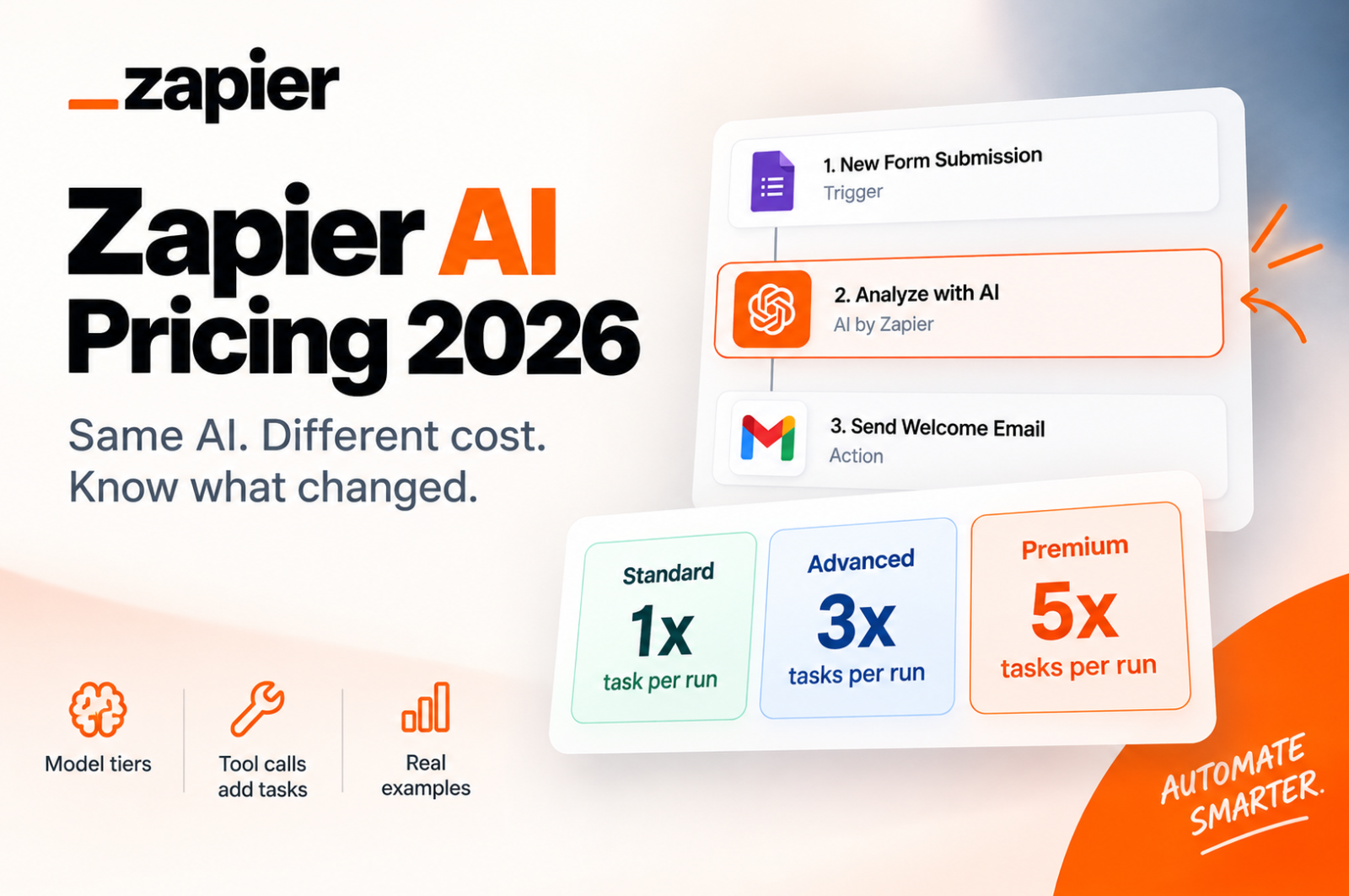
Zapier AI Pricing 2026: What the New Model Tier System Actually Costs You
Affiliate Disclosure: We review products independently. When you buy through our links, we may earn a commission or a compound recurring commission at zero extra cost to you. Read our editorial policy.
Zapier AI pricing changed significantly in 2026. Starting June 15, AI by Zapier steps moved to a model-tier pricing system where task consumption depends on the AI model tier you select and the number of tools the AI uses during a run.
For agencies using AI inside client onboarding, lead qualification, content workflows, CRM enrichment, or reporting automations, this matters because an AI step no longer necessarily means one task.
A single AI step can consume 1, 3, 5 or significantly more tasks depending on how it is configured.
This Zapier AI pricing breakdown explains how the model works, what it means for real workflows, and where agencies should check their existing Zaps before AI task consumption starts eating into their monthly allowance.
What Changed in Zapier AI Pricing
Since June 15, 2026, AI by Zapier steps have been priced according to the model tier selected.
The current structure is:
| Model Tier | Task Rate | Tool Support |
|---|---|---|
| Standard | 1x | No |
| Advanced | 3x | Yes |
| Premium | 5x | Yes |
| Bring Your Own Key | 1x | Available with supported Advanced or Premium models |
Standard is designed for simpler prompts that do not require tools. Advanced supports stronger reasoning and tool usage, while Premium is intended for more complex analysis and multi-step reasoning.
There is one particularly important detail: new AI by Zapier steps on paid plans currently default to Premium at 5x task usage.
That means a newly created AI step with no tools can consume five tasks each time it runs unless you select a lower tier.
This is different from Zapier’s original June 2026 announcement, when Advanced was listed as the default tier. Agencies relying on information from the initial rollout should therefore check the current configuration of their AI steps rather than assuming the original default still applies.
How Zapier Calculates AI Task Usage
The model tier is only one part of the calculation. Tool calls can add additional tasks.
Zapier currently calculates AI by Zapier task usage using this formula:
Tasks used per run = (1 × model rate) + (number of successful tool calls × model rate)
For example:
| Configuration | Calculation | Tasks Used |
|---|---|---|
| Standard, no tools | 1 × 1 | 1 |
| Advanced, no tools | 1 × 3 | 3 |
| Premium, no tools | 1 × 5 | 5 |
| Advanced + 1 tool call | 3 + 3 | 6 |
| Premium + 2 tool calls | 5 + 10 | 15 |
| BYOK + 4 tool calls | 1 + 4 | 5 |
This is the part of Zapier AI pricing agencies need to understand.
An AI step does not necessarily consume one task. The combination of model tier + tool calls determines the actual task usage.
Real Cost Math on Zapier AI Pricing
Consider an agency running a client onboarding Zap with three AI steps:
- Summarize the client’s intake form.
- Draft a welcome email.
- Categorize the client by service type.
If all three steps run at Standard tier without tools, the AI portion consumes:
3 AI steps × 1 task = 3 tasks per onboarding
At Advanced:
3 × 3 = 9 tasks
At Premium:
3 × 5 = 15 tasks
At 50 client onboarding runs per month, those same three AI actions would therefore consume:
| Tier | AI Tasks Per Onboarding | 50 Onboardings |
|---|---|---|
| Standard | 3 | 150 |
| Advanced | 9 | 450 |
| Premium | 15 | 750 |
And that’s before counting other task-consuming actions in the Zap.
If those AI steps use tools, task consumption can rise further.
This makes tier selection particularly important for agencies running the same AI workflow repeatedly across leads, clients, campaigns, or accounts.
TSA Cost Trap: Tool Calls Multiply AI Task Usage
The model multiplier also applies to successful tool calls made by the AI step.
Suppose a Premium AI by Zapier step uses two tools during a run.
The calculation becomes:
5 tasks for the AI step + 5 tasks for Tool Call 1 + 5 tasks for Tool Call 2 = 15 tasks
Run that step 100 times and it can consume:
1,500 tasks
That does not mean tool-enabled AI steps should be avoided. It means agencies should estimate usage based on what the AI can actually do during each run rather than simply counting the number of AI steps in the Zap.
For AI-heavy workflows, both the model tier and expected tool calls should be part of the cost calculation.
Zapier Pricing Tiers for 2026
Zapier’s current published starting prices are:
| Plan | Starting Price | Starting Task Allowance |
|---|---|---|
| Free | $0 | 100 tasks/month |
| Professional | $19.99/month billed annually | 750 tasks/month |
| Team | $69/month billed annually | Task tier selected by customer |
| Enterprise | Custom | Custom/annual task limits |
Zapier allows customers to select different task tiers, so the starting task allowance should not be treated as the maximum available on a particular plan.
The important point for AI users is that AI by Zapier, Zap workflows, code and other task-consuming Zapier features draw from the account’s task allocation rather than having a completely separate AI task budget.
What Happens If AI Pushes You Over Your Zapier Task Limit?
This matters more under model-tier pricing because a relatively small number of AI runs can consume a larger portion of the account’s task allowance.
Zapier offers pay-per-task billing on paid plans. When enabled, workflows can continue running after the included task allowance has been reached, with additional completed tasks billed at the account’s applicable pay-per-task rate.
For many newer accounts, pay-per-task billing is enabled by default. Account owners can review the setting and their applicable rate under Billing and usage.
Zapier also imposes an overall pay-per-task usage ceiling. The maximum usage is currently three times the plan’s normal task limit, including the original plan allowance.
For example, a Professional account with 750 included tasks can have a maximum task usage of 2,250 tasks when pay-per-task billing is available.
Agencies should therefore check both AI task consumption and pay-per-task settings rather than assuming a Zap will simply stop when its included task allocation is exhausted.
Zapier Also Caps Individual AI Steps
Zapier has another protection against unexpectedly high AI task consumption.
If an individual AI by Zapier step reaches 75 tasks during a single run, Zapier pauses the step and asks the user to approve it before continuing.
This is particularly relevant for AI steps with tools because multiple tool calls can increase the number of tasks consumed during one execution.
The limit provides protection against unusually expensive individual runs, but it does not replace ongoing monitoring of overall monthly task usage.
Bring Your Own AI Account Can Reduce Zapier Task Consumption
Zapier also allows users to connect their own supported AI provider account.
Under the current AI by Zapier pricing model, Bring Your Own Key (BYOK) uses a 1x Zapier task rate, including tool calls.
For example, an AI step using your own AI account and making four successful tool calls would consume:
1 task for the AI step + 4 tasks for the tool calls = 5 Zapier tasks
The equivalent Premium configuration would consume:
5 + (4 × 5) = 25 Zapier tasks
BYOK can therefore substantially reduce Zapier task consumption in tool-heavy AI workflows.
However, it does not make the AI itself free. You will separately pay the AI provider — such as OpenAI, Anthropic, Google, Azure OpenAI, or Amazon Bedrock — according to that provider’s own API pricing.
The correct comparison is therefore Zapier task savings versus external AI API cost, not simply 1x versus 5x.
What Agencies Should Do About Zapier AI Pricing Right Now
Start by reviewing active Zaps that use AI by Zapier.
For each AI step, check:
- Which model tier is selected.
- Whether the workflow genuinely needs Advanced or Premium reasoning.
- Whether the AI step uses tools.
- How many tool calls it is likely to make during a typical run.
- Whether BYOK makes economic sense for higher-volume workflows.
- How much of the account’s monthly task usage comes from AI-enabled Zaps.
Do not automatically downgrade every AI step to Standard just to save tasks. Standard does not support tools, and a more capable model may be necessary for some workflows.
The objective is to use the lowest-cost tier that still reliably performs the job.
For a simple classification, extraction, rewriting, or summarization workflow, Standard may be sufficient. Workflows requiring tools or more sophisticated reasoning may justify Advanced or Premium.
Zapier AI Pricing: When Each Option Makes Sense
| Workflow Requirement | Option to Evaluate |
|---|---|
| Simple prompt, classification, extraction or summarization | Standard (1x) |
| AI needs to call tools | Advanced (3x) or Premium (5x) |
| More complex reasoning or analysis | Premium (5x) |
| High-volume AI workflow | Compare Standard, Advanced and BYOK based on actual requirements |
| Tool-heavy workflow with technical/API capability | Evaluate BYOK (1x Zapier task rate) |
| AI workflows consuming a large share of account tasks | Audit tier, tool calls and pay-per-task usage |
| Existing AI step created before the June 2026 change | Check whether it is a legacy step and whether migration is necessary |
There is no universal point at which Zapier becomes “too expensive” for AI workflows. The economics depend on the model tier, number of AI runs, tool calls, other actions in the Zap, task tier and whether you use your own AI provider.
Frequently Asked Questions
What is the new Zapier AI pricing model?
Since June 15, 2026, AI by Zapier steps use model-tier pricing. Standard uses a 1x task rate, Advanced 3x and Premium 5x. Successful tool calls add task usage at the same model-tier rate.
What is the default AI by Zapier model tier?
New AI by Zapier steps on paid plans currently default to Premium at 5x task usage. Zapier’s original June 2026 announcement listed Advanced as the default, but its current documentation now specifies Premium.
On the Free plan, AI by Zapier can be previewed in an unpublished Zap using Standard tier, while Advanced and Premium require a paid plan.
Do AI by Zapier tool calls consume additional tasks?
Yes. Each successful tool call adds tasks based on the selected model tier.
For example, one Premium AI step with two tool calls consumes 15 tasks: five for the AI step itself and five for each tool call.
Can I reduce Zapier AI task consumption?
Yes. Use the lowest model tier that reliably handles the workflow, review unnecessary tool usage, and consider connecting your own AI provider account for suitable high-volume or tool-heavy workflows.
What does Bring Your Own Key cost in Zapier tasks?
AI by Zapier currently applies a 1x Zapier task rate when you connect your own supported AI provider account. You are still responsible for any API charges from the external AI provider.
Does Zapier AI pricing affect non-AI steps?
The AI model-tier multipliers apply specifically to AI by Zapier. Other Zapier features have their own task-usage rules. Some steps, including triggers, Filters and Paths, do not consume tasks, while other products and actions may use tasks at their respective rates.
What happens when I exceed my Zapier task allowance?
On paid plans with pay-per-task billing enabled, Zapier can continue running workflows and charge for additional completed tasks at the applicable pay-per-task rate. If pay-per-task billing is disabled, runs can be held once the task allowance is exhausted.
How often should agencies review AI task usage?
There is no required audit schedule, but agencies running AI-heavy automations should review task usage regularly and after creating or materially changing AI steps. Zapier’s Billing and usage page provides the account-wide task total, while workflow-level views can help identify where usage is coming from.
Final Verdict
Zapier AI pricing is no longer as simple as counting one task for every AI action.
With model-tier pricing, a Standard AI step may consume one task, while a Premium step consumes five before any tools are called. Add tool calls and the difference becomes substantially larger.
That does not automatically make Zapier expensive for AI automation. It makes configuration more important to cost.
For agencies, the practical response is straightforward: audit existing AI steps, understand which model tier each workflow actually requires, account for tool calls, and evaluate BYOK where AI volume justifies it.
The biggest Zapier AI pricing mistake in 2026 is not using Premium models or AI tools. It is using them without knowing how they affect your task consumption. You can check out verified Zapier user reviews here.
