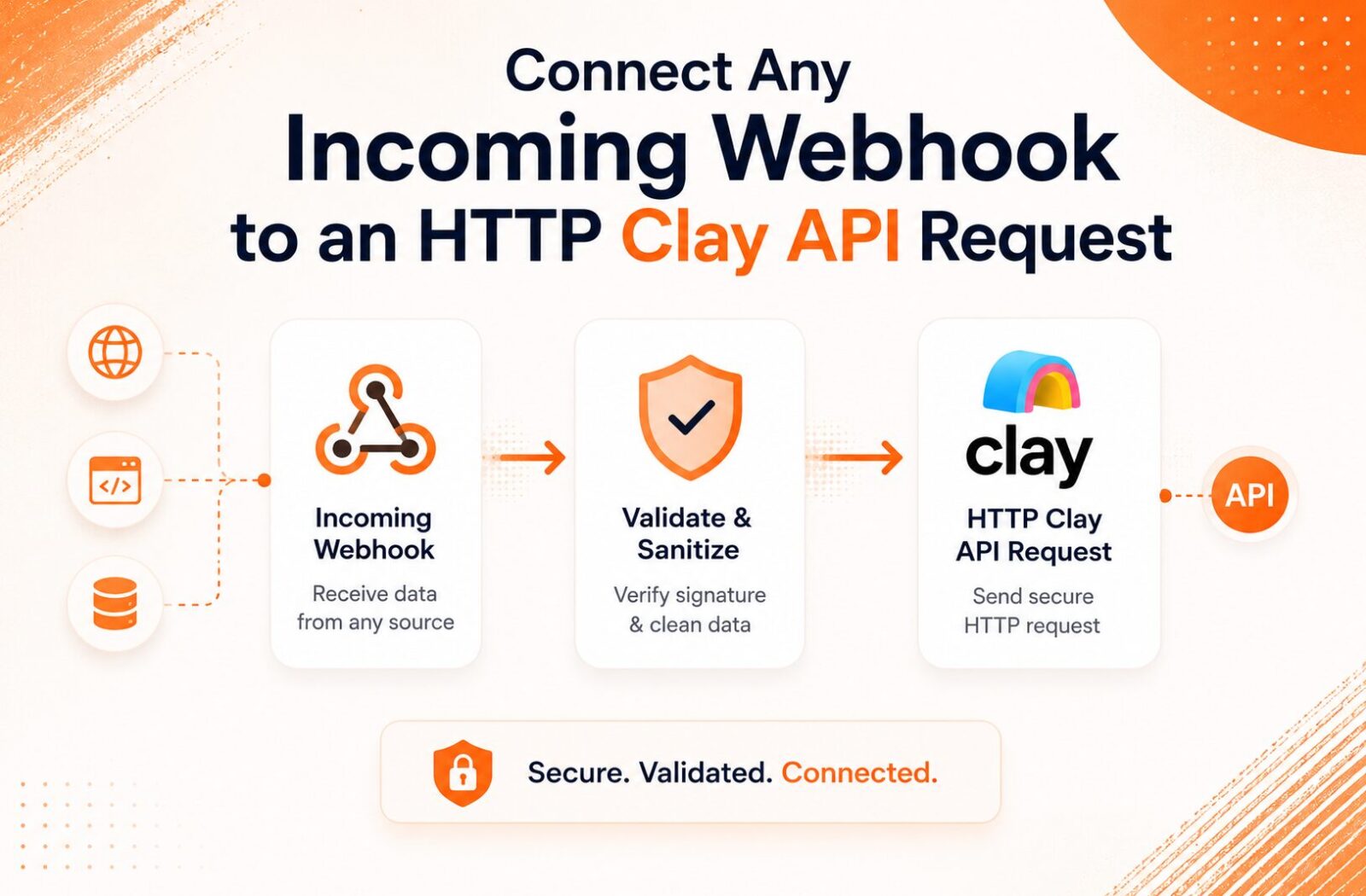
How to Connect Any Incoming Webhook to an Clay HTTP API Request Safely
Affiliate Disclosure: We review products independently. When you buy through our links, we may earn a commission or a compound recurring commission at zero extra cost to you. Read our editorial policy.
Updated: All tool behavior verified against Clay documentation and platform testing on July 17, 2026.
The Clay HTTP API is the most underused feature in the platform. Most RevOps teams stick to Clay’s native integrations for enrichment. When a data provider they need is not in Clay’s catalog, or when they need to hit a proprietary internal API, they stop. The Clay HTTP API removes that ceiling entirely. Any data source that exposes an HTTP endpoint can become an enrichment column in a Clay table.
The safety problem is real, though. Connecting an inbound webhook to a Clay HTTP API request without authentication headers, payload validation, or error handling creates a production workflow that works in testing and fails silently under load. This guide covers the complete implementation: inbound webhook setup in Clay, HTTP API column configuration using Sculptor, authentication methods, secrets management, and the error patterns that break Clay HTTP API workflows in production.
What the Clay HTTP API Actually Is
The Clay HTTP API is a custom enrichment column that makes an outbound HTTP request to any external endpoint for each row in a Clay table. Unlike Clay’s pre-built integrations (Apollo, Clearbit, LinkedIn), which use maintained connectors, the Clay HTTP API gives complete control over the request method, headers, endpoint URL, authentication, body structure, and response mapping.
The Clay HTTP API supports GET, POST, PUT, and DELETE methods. Authentication options are API key, Bearer token, Basic auth, and JWT. OAuth flows are not natively supported by Clay HTTP API columns. Teams that need OAuth-authenticated endpoints must either use a middleware layer (Make.com or Zapier passing the OAuth token) or build a proxy endpoint that accepts a simple API key and handles OAuth internally.
Clay’s 2025 addition of Sculptor changed how most teams configure Clay HTTP API columns. Instead of manually specifying the endpoint URL, headers, and body, Sculptor generates the full configuration from a natural language description. Type “Fetch company funding data from Crunchbase API using API key authentication” and Sculptor builds the HTTP request structure. The output requires review and adjustment but eliminates the blank-canvas configuration problem for teams new to Clay HTTP API.
Setting Up the Inbound Webhook in Clay
Before the Clay HTTP API column can fire, data must arrive in the Clay table. For real-time webhook sources (form submissions, CRM events, payment confirmations), Clay’s inbound webhook is the correct intake mechanism.
Every Clay table can generate a unique inbound webhook URL. In the workbook, click Add at the bottom of the table, search for Webhooks, and select Monitor webhook. Clay generates a URL and an optional cURL command for testing.
Authentication on the inbound webhook:
By default, Clay’s inbound webhook accepts any POST request to the generated URL. Add an authentication token under the webhook settings to require senders to include a token in the request header. This prevents unauthorized data injection into the table from any system that discovers the URL.
The authentication token Clay uses is a simple shared secret in the header, not an HMAC signature verification. For internal systems sending data to Clay, this shared token is sufficient. For external systems where the webhook URL may be exposed more broadly, implement an additional validation layer using Make.com or Zapier as an intermediary that verifies the source before forwarding to Clay.
Payload structure:
Clay’s webhook receiver expects a JSON payload. Each top-level key in the JSON becomes a column in the Clay table. Nested objects require Clay’s formula layer or a preprocessing step to flatten before the Clay HTTP API column can reference them cleanly.
Test the webhook using the cURL command Clay provides. Send a sample payload matching the structure of the actual source system. Verify all expected fields appear as columns before building Clay HTTP API enrichment columns on top of them.
Configuring the Clay HTTP API Column
With data arriving via webhook, the Clay HTTP API enrichment column fires per row as records arrive.
Manual configuration path:
Add a column, select HTTP API from the enrichment menu, and choose Configure. Required fields:
Endpoint URL: The API endpoint. Use Clay’s column reference syntax to inject row data dynamically. Example: a company domain lookup endpoint where the domain comes from the webhook payload: https://api.exampleprovider.com/v1/companies/{{domain}}
Method: GET for read operations, POST for write operations or APIs that require body parameters.
Headers: Authentication headers, content type, and any required API-specific headers. Store API keys in Clay’s Secrets Manager, not hardcoded in the header field.
Body (for POST requests): JSON structure referencing Clay column values. Example:
{
  "email": "{{email}}",
  "domain": "{{domain}}",
  "fields": ["company_size", "industry", "funding_stage"]
}
Response mapping: Specify which fields from the API response to extract into Clay columns. Use dot notation for nested response objects: data.company.employee_count maps the nested field to a Clay column.
Sculptor configuration path:
Add the column, select HTTP API, and choose Generate. Describe the request in plain English. Sculptor produces a draft configuration. Review the endpoint URL, authentication type, and body structure before saving. Sculptor sometimes infers incorrect field names from the natural language description. Always test with a single row before running for all rows.
Secrets Management: The Security Layer Most Teams Skip
<cite index=”22-1″>Store API credentials in Clay’s Secrets Manager rather than hardcoding them in table configurations. This keeps keys secure and makes it easy to rotate credentials without updating every table.</cite>
Clay’s Secrets Manager is in Settings under API Keys and Secrets. Add each API key with a name. In the Clay HTTP API column header configuration, reference the secret using {{secret.secret_name}} syntax instead of pasting the raw key.
The operational benefit of Secrets Manager becomes clear at scale. A 10-person RevOps team with 15 active Clay tables using the same Clearbit API key has two options: hardcode the key in 15 tables, or store it once in Secrets Manager and reference it across all 15 tables. When Clearbit rotates the key (typically every 90 days), the hardcoded approach requires 15 manual updates. The Secrets Manager approach requires one.
Keys stored in Clay’s Secrets Manager are:
Not visible in table configurations after saving. The reference {{secret.clearbit_key}} displays in the column config but the actual key value is masked.
Not included in Clay table exports or template shares. Sharing a table template with a colleague does not expose the API key.
Rotatable without scenario downtime. Update the key value in Secrets Manager and all tables referencing it pick up the new value on the next execution.
What Clay Secrets Manager does not do:
It does not version-control secrets. Previous key values are not retrievable after rotation. Maintain an external record of active API keys and their Clay Secrets Manager names before rotating. A key rotation without documentation creates an ambiguity problem when troubleshooting a Clay HTTP API column that stopped returning data after the rotation.
Authentication Patterns for Clay HTTP API
API Key in header (most common):
Header name: X-API-Key
Header value: {{secret.provider_api_key}}
Some providers use Authorization header with a prefix:
Header name: Authorization
Header value: Bearer {{secret.provider_bearer_token}}
Basic Authentication:
Clay HTTP API supports Basic auth via the Authorization header using base64 encoding. Use Clay’s base64 encoding function to encode the username:password pair:
Header name: Authorization
Header value: Basic {{base64("username:password")}}
JWT Authentication:
<cite index=”25-1″>Clay HTTP API supports authenticated connections using JWT tokens.</cite> JWT-authenticated APIs require the token in the Authorization Bearer header. If the JWT token expires during a table run (JWTs typically expire in 1 to 24 hours), rows processed after expiry fail silently. For long-running Clay HTTP API enrichments on large tables, either use API keys with no expiry or implement a token refresh mechanism via a Make.com intermediary that generates a fresh JWT per batch.
OAuth APIs (not natively supported):
Clay HTTP API does not handle OAuth 2.0 flows natively. The standard workaround: build a thin proxy endpoint (a Cloudflare Worker or AWS Lambda function) that accepts a simple API key from Clay, handles the OAuth token exchange internally, and returns the enriched data. Clay sees a simple API-key-authenticated endpoint. The proxy handles OAuth complexity outside of Clay.
TSA SCAR: Clay HTTP API Silent Failures on Expired Tokens
Verified failure pattern from Clay table implementations, July 2026.
Clay HTTP API columns that use time-limited authentication tokens (JWTs, OAuth access tokens with short expiry) fail silently when the token expires mid-run. The column returns an empty result for rows processed after the token expires. No error flag appears in the column. No Clay notification fires. The empty result looks identical to a legitimate “no data found” response from the API. A RevOps team enriching 2,000 rows overnight with a JWT that expired at 3am discovered 800 empty rows the next morning. Diagnosing the issue required checking Clay’s execution logs for HTTP response codes, where the 401 Unauthorized responses confirmed the token expiry. Fix: use API keys with no expiry wherever the provider supports them. For JWT-only APIs, set a Clay formula column that flags rows where the enrichment result is empty AND the timestamp of enrichment falls within the known token expiry window, so silent failures surface as a data quality alert rather than an invisible gap.
Connecting the Inbound Webhook to the Clay HTTP API Column
The connection between an inbound webhook and a Clay HTTP API enrichment column is not a direct one-to-one mapping. The webhook brings data into the table. The HTTP API column reads from that data and fires an outbound request per row.
The sequence:
- Webhook receives POST from the source system. Clay adds a new row to the table with the payload fields as column values.
- Clay HTTP API enrichment column triggers automatically for the new row (if auto-run is enabled) or requires manual trigger (if auto-run is disabled).
- The HTTP API column reads the relevant column values from the new row, injects them into the endpoint URL or request body, fires the outbound request, and writes the response fields to the designated columns.
Auto-run behavior:
Enable auto-run on the Clay HTTP API column to process each new webhook-triggered row immediately. Disable auto-run for table-level bulk operations where all rows should be enriched in a controlled batch.
Credit consumption on auto-run:
With auto-run enabled, every inbound webhook event that adds a row triggers one Clay HTTP API call per enrichment column configured on the table. A table with 3 Clay HTTP API columns set to auto-run and 100 webhook events per day consumes 300 Data Credits per day. At Clay Launch plan’s 2,500 monthly allocation, this rate exhausts the plan in 8 days. Audit the credit cost of auto-run HTTP API columns before enabling them on high-volume webhook tables.
Error Handling for Clay HTTP API Columns
Clay HTTP API columns do not have a native retry mechanism for failed requests. A 429 rate limit response, a 503 timeout, or a malformed response from the external API results in an empty column value for that row. The failure is silent.
Production-grade Clay HTTP API implementations use three error handling approaches:
Formula-based error detection: Add a Clay formula column that checks whether the HTTP API enrichment column value is empty for rows where the input data (domain, email) is non-empty. An empty enrichment result on a valid input signals a failed HTTP API call. Flag these rows in a status column for re-enrichment.
Batch re-enrichment: Schedule a weekly filter that selects all rows where the enrichment status column shows “failed” or where the HTTP API result column is empty. Run the Clay HTTP API enrichment on this filtered set manually.
Exponential backoff via Make.com intermediary: For rate-limited APIs that return 429 responses under load, route the Clay HTTP API call through Make.com instead of directly from Clay. Make.com’s Break directive with auto-retry handles 429 responses with configurable wait intervals. Clay calls the Make.com webhook, which handles the retry logic before returning the enriched data to Clay.
Buy / Skip Decision Matrix
| Scenario | Verdict |
|---|---|
| Data provider has a Clay native integration | Use the native integration. Clay HTTP API adds config overhead with no benefit. |
| Proprietary internal API not in Clay’s catalog | Clay HTTP API is the correct path. |
| API requires OAuth 2.0 flow | Build a proxy endpoint. Clay HTTP API cannot handle OAuth natively. |
| JWT token expiry during long table runs | Use API key auth or implement token refresh via Make.com intermediary. |
| High-volume webhook table with auto-run HTTP API columns | Audit credit consumption before enabling auto-run. Calculate credits per day against plan allocation. |
| API key needs to be shared across 10+ Clay tables | Use Secrets Manager. One rotation updates all tables. |
| Provider returns 429 rate limit errors on enrichment | Route through Make.com with Break plus auto-retry rather than direct Clay HTTP API. |
| Sculptor generates incorrect config | Use Sculptor as a starting point only. Always review and test before running for all rows. |
FAQ
What is the Clay HTTP API and when should RevOps teams use it? The Clay HTTP API is a custom enrichment column that makes outbound HTTP requests to any external endpoint per table row. Use it when the data source does not have a native Clay integration, when accessing proprietary internal databases, or when building custom enrichment logic that Clay’s marketplace providers do not cover. It supports GET, POST, PUT, and DELETE methods with API key, Bearer, Basic, and JWT authentication.
Does Clay HTTP API support OAuth 2.0 authentication? Not natively. Clay HTTP API supports API key, Bearer token, Basic auth, and JWT. OAuth 2.0 flows require an intermediary proxy endpoint that handles the OAuth token exchange and exposes a simpler API key interface to Clay. Build the proxy as a Cloudflare Worker or AWS Lambda function. Clay sends the request to the proxy with a static API key. The proxy authenticates with the OAuth provider and returns the enriched data.
How does Clay Sculptor generate HTTP API configurations? <cite index=”29-1″>Sculptor uses AI to automatically generate HTTP API configurations from natural language descriptions. It is now the default and recommended approach for most users.</cite> Describe the request in plain English including the provider name, authentication type, and data fields needed. Sculptor produces a draft configuration covering the endpoint URL, headers, body, and response mapping. Review the output before saving and test with a single row before running the full table.
What is Clay’s Secrets Manager and why does it matter for HTTP API columns? Clay’s Secrets Manager stores API credentials under named references. Clay HTTP API columns reference secrets using the {{secret.name}} syntax rather than hardcoded key values. Benefits: keys are masked in table configurations, not included in template exports, and rotatable across all tables from a single update. For teams with multiple Clay tables using the same provider API key, Secrets Manager eliminates the manual update problem when the key rotates.
How do Clay HTTP API column failures appear and how should they be handled? Failed Clay HTTP API requests return an empty column value. No error flag, no notification, no automatic retry. Detection requires a formula column that flags rows where the input is non-empty but the enrichment result is empty. Handle persistent failures by routing through Make.com with Break directive and auto-retry for transient errors like rate limits and timeouts, and by auditing HTTP response codes in Clay’s execution log for authentication failures.
What happens to Clay Data Credits when a Clay HTTP API call fails? Clay’s March 2026 pricing update eliminated charges for failed lookups in its marketplace provider integrations. For Clay HTTP API columns calling external endpoints directly, the credit behavior depends on what Clay considers a “failed” call. API responses that return 200 with empty data consume credits. HTTP error responses (4xx, 5xx) may not consume credits depending on Clay’s current credit policy for custom HTTP calls. Verify current behavior by running a test row against a known-failing endpoint and checking the credit ledger before building production Clay HTTP API workflows on high-volume tables.
While setting up HTTP modules gives you granular control, managing data scaling budgets requires understanding the broader platform cost structures. Many growth teams frequently evaluate ”Is Clay.com Too Expensive” once credit usage starts scaling rapidly.
