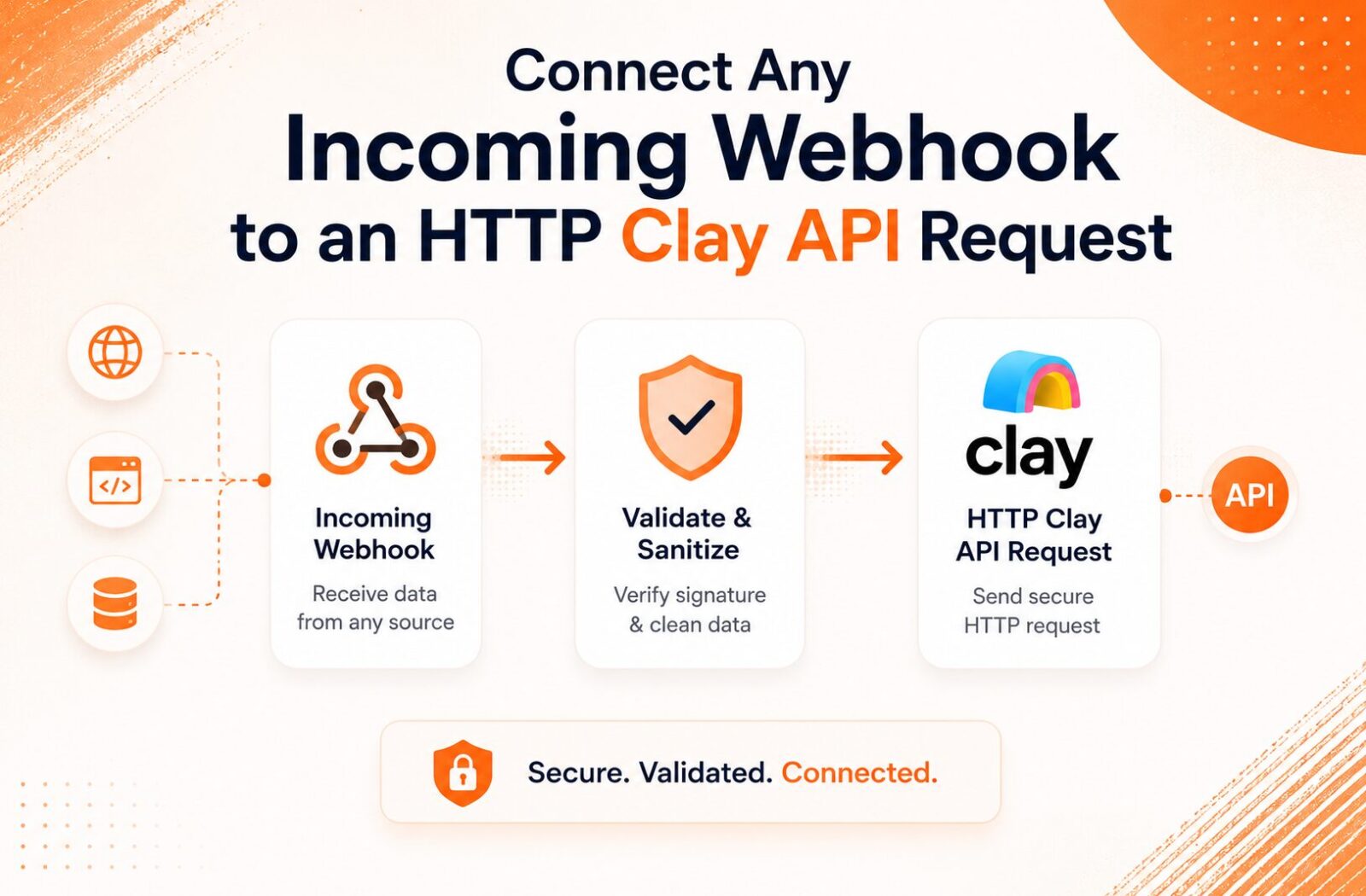
How to Connect an Incoming Webhook to a Clay HTTP API Request Safely
Affiliate Disclosure: We review products independently. When you buy through our links, we may earn a commission or a compound recurring commission at zero extra cost to you. Read our editorial policy.
Clay can receive data from an external application through a webhook and use that data to query another API. This makes it possible to enrich new leads, retrieve company information, update records, or connect an internal data source without waiting for a native integration to become available.
The important distinction is that an incoming webhook and an HTTP API request perform two different jobs. The webhook brings data into Clay. An HTTP API enrichment sends a request from Clay to an external endpoint, using fields from the table row.
Connecting the two requires more than pasting a URL into a field. The payload must have the expected structure, authentication must be configured appropriately, and the workflow must account for invalid inputs, unsuccessful responses, duplicate events, and rate limits.
This guide explains how to build that connection, validate the request, and decide when to use an intermediary such as Make or Zapier.
Scope note: This is a documentation-based implementation guide, not a report of hands-on testing. Clay’s interface and available features can change, so verify the configuration in your workspace before using it for live data.
How the webhook-to-API workflow works
A typical workflow has four stages:
- Receive: An external application sends a JSON payload to a Clay inbound webhook.
- Validate: Clay receives the data, and the workflow checks that the required fields are present and correctly formatted.
- Request: An HTTP API enrichment uses the relevant row values to call an external API.
- Review: The workflow checks the returned data and flags records that need correction or another attempt.
For example, a lead form might send a person’s work email and company domain to Clay. The new row can then be used to request company information from a third-party API. The returned fields can populate additional columns in the same table.
This is different from using Clay’s HTTP API to send data out to another application. If your goal is to trigger a separate workflow after Clay enriches a record, see Clay’s official guide to sending Clay data to Zapier.
What you need before configuring the connection
Prepare the information below before building the workflow.
| Requirement | Why it matters |
|---|---|
| Source application | Identifies the system that will send the webhook |
| Sample JSON payload | Shows the field names, data types, and structure Clay will receive |
| Destination API documentation | Defines the endpoint, method, authentication, parameters, and response format |
| Authentication credentials | Allows the API request to access the required data or perform the intended action |
| Field mapping | Connects incoming webhook fields to API parameters |
| Test record | Lets you validate the configuration before processing a larger table |
If the destination API requires a particular field, determine where that value will come from. For example, an API may require a company domain, while the incoming webhook supplies only an email address. You may need a formula column to extract the domain before the request runs.
Do not begin by configuring the endpoint alone. The API documentation and the actual payload should determine the request structure.
Step 1: Create an inbound webhook in Clay
In Clay, open the workbook where you want to receive the incoming data.
Use the table’s add-source options to locate Webhooks and select Monitor webhook. Follow the current interface to generate the webhook URL and, where provided, a sample cURL command.
Clay’s official webhook integration guide explains the setup process and the use of JSON payloads sent through HTTP POST requests.
Copy the generated URL and configure the source application to send its event data to that endpoint.
For example, a lead intake system might send a payload shaped like this:
{
  "email": "alex@example.com",
  "company_domain": "example.com",
  "source": "website_form"
}
This is an illustrative payload, not a real customer record. Your own field names should reflect the source application’s data and the fields required by the destination API.
Send a test event and inspect the resulting Clay table. Confirm that the expected fields arrive and that the values are usable in later columns.
Secure the inbound endpoint
Treat the webhook URL as a sensitive endpoint. Where the current Clay webhook configuration supports it, enable the available authentication token and configure the sending application to include it in the required header.
A secret URL should not be your only security measure. Limit access to the source system, protect credentials, and consider a middleware layer if you need additional request validation or signature verification before data reaches Clay.
The appropriate controls depend on the source application’s capabilities. A shared token is not equivalent to verifying a cryptographic signature, and it does not automatically validate every field in the payload.
Step 2: Validate the incoming payload
Before making an external API request, confirm that the incoming row contains the fields the request needs.
For a company enrichment workflow, these might include:
- A company domain or another valid lookup identifier
- The relevant record ID
- A source or event identifier
- Any fields required to select the correct API endpoint or operation
Check for empty values, unexpected formats, and inconsistent field names. If the API requires a domain but the incoming record contains only a person’s email address, derive the domain in a separate formula column or preprocess the payload before the request.
Do not assume every event is complete simply because Clay created a row.
A useful design is to maintain a status field such as Ready, Missing input, or Needs review. The HTTP API enrichment should run only when the required inputs are present. Clay’s HTTP API documentation describes conditional runs that can prevent requests from running when necessary data is missing.
For a lead enrichment workflow, this validation stage can also connect to your broader data-quality process. See the TSA guide to filtering invalid domains before lead enrichment.
Step 3: Add the HTTP API enrichment column
Once the webhook data is arriving correctly, add an HTTP API enrichment to the Clay table.
Clay documents two configuration paths: an AI-assisted Generate option and a manual Configure option. The exact interface may vary as the product changes.
Option A: Generate a draft configuration
If you use Clay’s AI-assisted configuration, describe the request you want to make. Include the API provider, the purpose of the request, the authentication method, and the fields you want returned.
For example:
Retrieve company details from the provider’s company lookup endpoint using the domain in the Company Domain column. Authenticate with the configured API credential and return company name, industry, and employee range.
Provide the API documentation when the interface allows it. Then review the generated configuration rather than assuming it is correct.
Check the endpoint, method, parameters, authentication, and response mapping against the provider’s documentation. AI-generated configuration is a starting point, not a substitute for validating the request.
Option B: Configure the request manually
For a manual configuration, identify these elements from the destination API’s documentation:
- Endpoint: The specific API URL.
- Method: Usually GET for retrieving information or POST for sending a request body, depending on the API.
- Headers: Authentication and any required content-type or other headers.
- Parameters or body: The values the endpoint expects.
- Response mapping: The fields you want to extract from the returned data.
Use Clay’s column-reference mechanism to insert row values into the request. The precise syntax depends on the configuration interface and request type, so follow the current Clay documentation rather than copying a placeholder expression without checking it.
For example, the API may require the company domain as a query parameter. Another endpoint may require a JSON body containing an email address and a list of fields. The correct format is determined by the destination API, not by Clay alone.
Step 4: Configure authentication safely
Many external APIs require a key, bearer token, or another form of authentication. The required method is defined by the destination API.
Clay’s current documentation describes reusable HTTP API header accounts for storing credentials at the workspace level. These can be selected by multiple HTTP API enrichment columns where appropriate.
This is preferable to pasting a raw secret into a field that may be visible to people with access to the table configuration.
Follow these safeguards:
- Use the authentication method required by the API.
- Store credentials using the supported secure connection or credential feature.
- Grant access only to the people and workflows that need it.
- Rotate credentials according to the provider’s requirements.
- Test the request after setting up or changing authentication.
- Never put live API keys into screenshots, sample payloads, public documents, or shared examples.
Do not assume every API uses the same header. Some expect a key in a custom header, while others require an Authorization header with a specific token format. Follow the provider’s instructions.
For APIs that require a dynamic token exchange or a more complex authentication flow, verify whether Clay’s available HTTP API action supports the required method. If it does not, an intermediary service may be necessary.
Step 5: Map the API response to Clay columns
A successful HTTP request does not guarantee that the returned data will be useful in your table. The response may contain nested objects, optional fields, or a structure different from the one you expected.
Inspect the response from a test request and identify the exact fields you need.
For example, an API might return a structure similar to this:
{
  "data": {
    "company": {
      "name": "Example Company",
      "industry": "Software"
    }
  }
}
If you need the company name and industry, map those specific fields into the corresponding Clay columns using the response-mapping options available in your configuration.
This example illustrates a response structure only. A real API may use different field names, nesting, or data types.
Check the following before running the enrichment across the table:
- The mapped fields exist in the response.
- The values have the expected types.
- Missing or null fields are handled appropriately.
- The result corresponds to the correct input record.
- A successful HTTP response is not mistaken for proof that every requested field was returned.
If the destination API returns a successful response but no company match, treat that as a different outcome from an authentication error or a rate-limit response. Your workflow should distinguish an expected empty result from a request that needs troubleshooting.
Step 6: Test with one row before running the table
Use the HTTP API configuration’s test function, where available, to run the request against one suitable row.
Verify the request and response before running it across a larger dataset.
| Test | What to check |
|---|---|
| Valid input | The API returns the expected information |
| Missing required field | The workflow prevents or flags the request |
| Invalid credentials | The failure is identifiable and can be corrected |
| No matching record | The result is treated as a valid no-match outcome if appropriate |
| Rate limit or temporary service error | The workflow does not mark the record as successfully enriched without evidence |
| Unexpected response structure | The mapping does not populate the wrong fields |
| Duplicate source event | The process does not create unintended duplicate downstream records |
A single successful test is useful, but it does not establish that the workflow will behave correctly for every row. Test the cases that are relevant to your source data and destination API.
For high-volume tables, consider a small pilot batch before enabling the workflow for all incoming records.
Step 7: Handle unsuccessful requests and incomplete results
API failures can have different causes. An authentication error, rate limit, invalid request, missing record, and temporary service outage should not all be treated as the same result.
Use the destination API’s documentation to interpret its status codes and error response. If the configuration exposes response details, use them to identify the cause.
A practical handling policy might look like this:
| Situation | Recommended response |
|---|---|
| Required input is missing | Flag the row and skip the request |
| Authentication fails | Stop the affected request and correct the credential or permissions |
| API returns a rate-limit response | Follow the provider’s rate-limit guidance and retry policy |
| API temporarily fails | Retry only when the error and workflow design make a retry appropriate |
| No matching record exists | Record a legitimate no-match outcome if the API defines it that way |
| Response cannot be parsed | Flag the row for investigation rather than treating it as a complete result |
Do not assume an empty enrichment field proves that the API request failed. It could mean the provider had no matching data, returned an optional field as null, or produced a response that the mapping did not capture.
Where Clay does not expose enough detail to distinguish these outcomes reliably, use an intermediary or logging layer that can capture the request status and error information. Avoid automatically repeating every failed request, since retries can create extra load or repeat actions against APIs that modify data.
For workflows that depend on reliable webhook processing, the TSA guide to handling Make.com webhook timeouts explains why failed executions need a defined recovery path.
Step 8: Decide whether the request should run automatically
After the incoming webhook creates a row, the HTTP API enrichment may run automatically or be triggered through a more controlled process, depending on your configuration.
Automatic execution is useful when new records should be enriched promptly and the workflow has predictable inputs. It can be less appropriate when records need review, when an API is expensive, or when a large number of events could arrive at once.
Before enabling automatic execution, answer three questions:
- Which incoming rows are eligible to trigger the request?
- How many HTTP API columns may run for each new row?
- What happens when the source sends a burst of events or the API starts returning rate-limit errors?
Estimate request volume from your expected event frequency and the number of HTTP API columns that may execute per row. Then compare that estimate with the destination API’s limits and the applicable Clay plan and credit rules.
Do not use a generic credit estimate without checking the current billing rules for your particular workflow. The cost may depend on the action, the provider, the plan, and how the integration is configured.
If the workflow needs batching, more advanced retry logic, or additional checks before forwarding data, consider using Make or Zapier as an intermediary.
Step 9: Choose when to use middleware
Clay’s HTTP API is useful when you need a direct request to an external endpoint. An intermediary can be helpful when the process needs more control than the direct connection provides.
Consider a middleware layer when you need to:
- Verify a source system’s signature before forwarding a webhook.
- Transform a complex payload into a predictable JSON structure.
- Handle retries according to the destination API’s documented limits.
- Log response codes and errors that are not sufficiently visible in the direct workflow.
- Coordinate several downstream actions.
- Manage an authentication flow that Clay’s direct configuration does not support.
Middleware adds another component to maintain, so it should solve a real requirement rather than be added automatically to every workflow.
If your process only needs to receive a webhook, make one well-defined API request, and map the response, a direct Clay configuration may be simpler. If you need more extensive orchestration or failure recovery, evaluate the additional control against the maintenance overhead.
Common mistakes to avoid
Pasting the endpoint without reading its documentation. The API may require a different method, parameter name, header, or request body than expected.
Hardcoding credentials into a shared configuration. Use the supported credential storage feature and limit access.
Running requests before validating input. Missing domains, emails, or record IDs can cause unnecessary requests and confusing results.
Trusting an AI-generated configuration without reviewing it. Verify the endpoint, authentication, fields, and response mapping before running the request.
Treating every empty result as an API failure. A legitimate no-match response is different from an authentication error or malformed request.
Enabling automatic runs without estimating volume. Each eligible row may trigger one or more HTTP API enrichments. Check expected request volume and the relevant plan limits.
Retrying every error indiscriminately. Follow the destination API’s guidance and make sure repeated requests are safe.
Failing to define an exception path. Every workflow should make it clear how incomplete records are identified and who is responsible for resolving them.
Frequently asked questions
What is the difference between an incoming webhook and a Clay HTTP API enrichment?
An incoming webhook receives data from another application and adds it to a Clay table. An HTTP API enrichment makes an outbound request to an external endpoint using data from a table row. A workflow can use both in sequence.
Can Clay receive data from any application through a webhook?
Any source that can send a compatible request to the generated endpoint may be able to send data, but compatibility depends on the source’s request format, authentication requirements, and the current Clay webhook configuration. Test the payload before building downstream enrichment.
Should I use Clay’s AI-assisted configuration or configure the request manually?
AI-assisted configuration can help create a starting point, particularly when you have API documentation available. Manual configuration gives you direct control over the request. In either case, validate the request and test it on one row before running it more broadly.
How should I store API keys?
Use Clay’s supported HTTP API credential or header-account feature where appropriate, rather than embedding raw keys in a shared table configuration. Follow the destination provider’s security and rotation requirements.
What should I do when the API returns no data?
First determine whether the request succeeded and whether the API defines the response as a legitimate no-match result. If the status or response indicates an error, investigate the authentication, input, request structure, rate limit, or service issue. Do not treat all empty values as equivalent.
When should I add Make or Zapier to the workflow?
Consider an intermediary when you need additional payload validation, authentication handling, retries, logging, or coordination across several systems. If a direct request meets the requirement safely, an extra automation layer may not be necessary.
Final recommendation
Build the connection in stages: create the inbound webhook, validate the payload, configure the HTTP API request, secure authentication, map the response, and test failure cases before enabling automatic execution.
Use the destination API’s documentation as the authority for endpoint details and error handling. Use Clay’s current documentation to confirm the available configuration and credential options. Add middleware only when the workflow needs additional controls.
A dependable connection is not simply one that returns data once. It is one that handles incomplete inputs, distinguishable failure states, and repeated events without quietly turning uncertain results into trusted records.